MNK Digital is an Authorized distributor of Samsung, Philips, LianTronics, & Unilumin A/V Solutions in Pakistan.

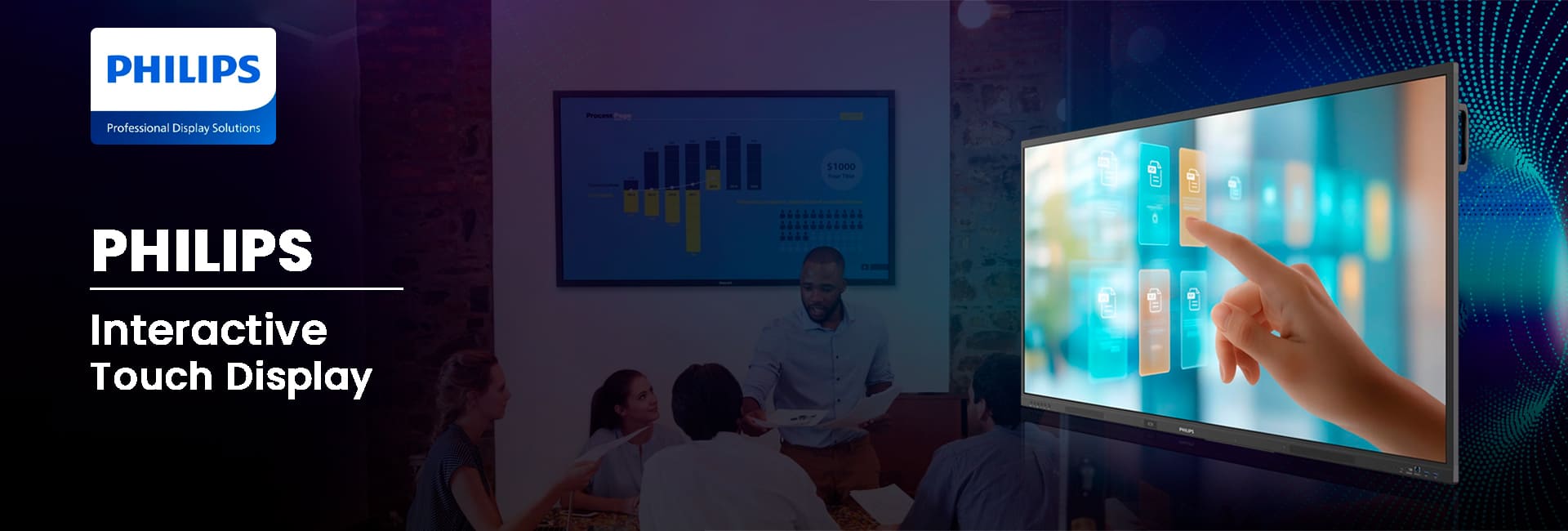
65’’ Philips Interactive Touch Display
Interactive Touch Display for Education
The 65 Inch Philips Interactive Display is designed to inspire interaction, creativity, and teamwork in collaborative environments. The interactive display is powered by Android 14 and has more than 50 touch points for presentations, demos, and interactive sessions. It maintains bright, uniform visuals even during long hours of continuous use. Anti-glare and anti-reflection glass coatings are ideal for daily use to make every lesson, meeting, or brainstorming session more engaging and productive. The durable construction and responsive touch screen make it an ideal choice for classrooms, meeting rooms, retail centers, and public centers. Ready to buy this product? Get in touch with MNK Digital.
65’’ Interactive Touch Display
65BDL4252E
- 50-point multi-touch technology
- Wireless presentation
- Android 14 OS built-in
Corporate Sector
Education Sector
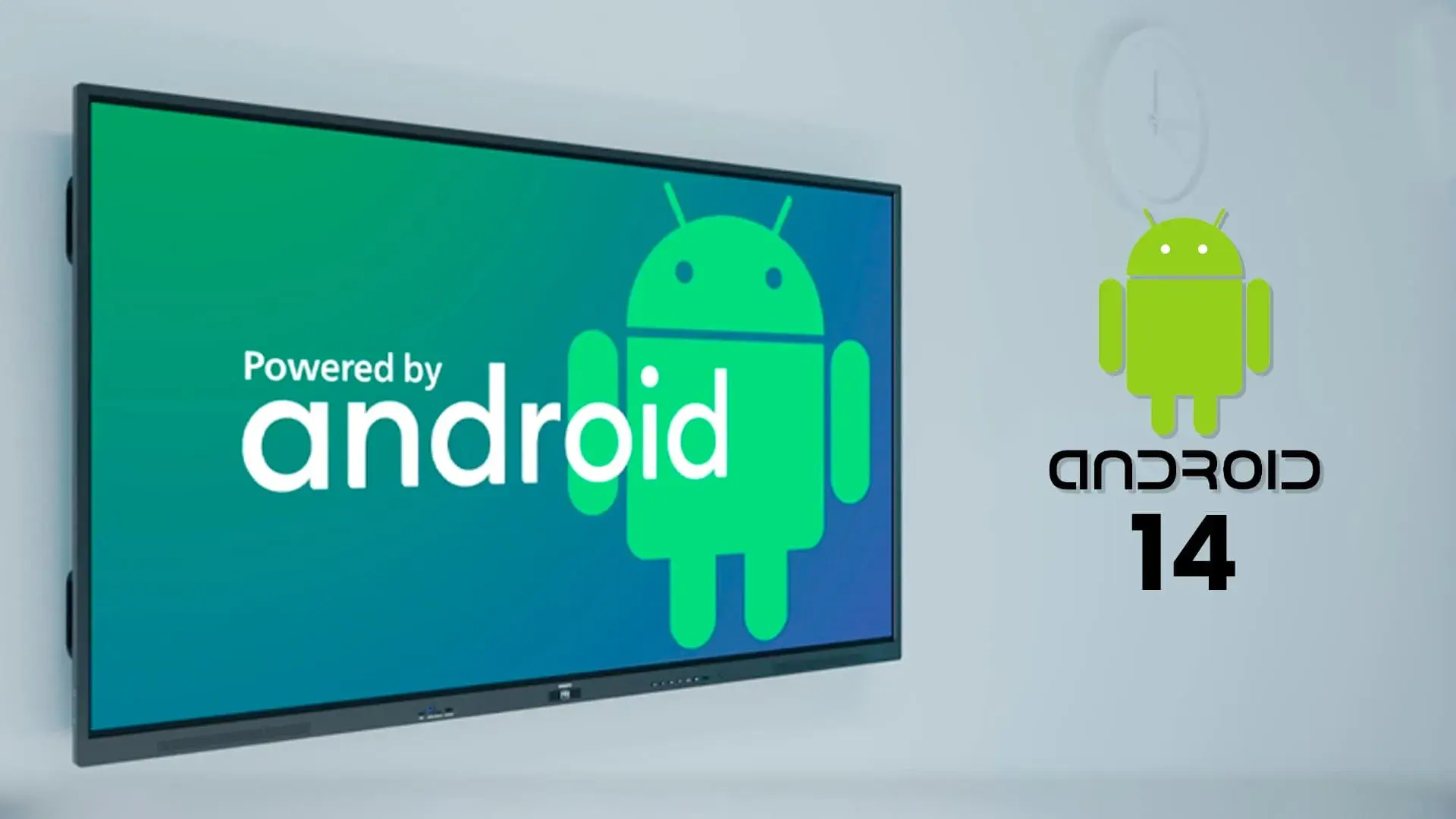
Android 14 for Faster and Smarter Performance-16/7
Powered by the latest Android 14 operating system, the 65-inch Philips Interactive Screen delivers a smooth, responsive, and user-friendly experience. Install your preferred apps with ease, access modern teaching or business tools, and enjoy reliable performance that is designed to support today’s needs while staying ready for future software advancements.
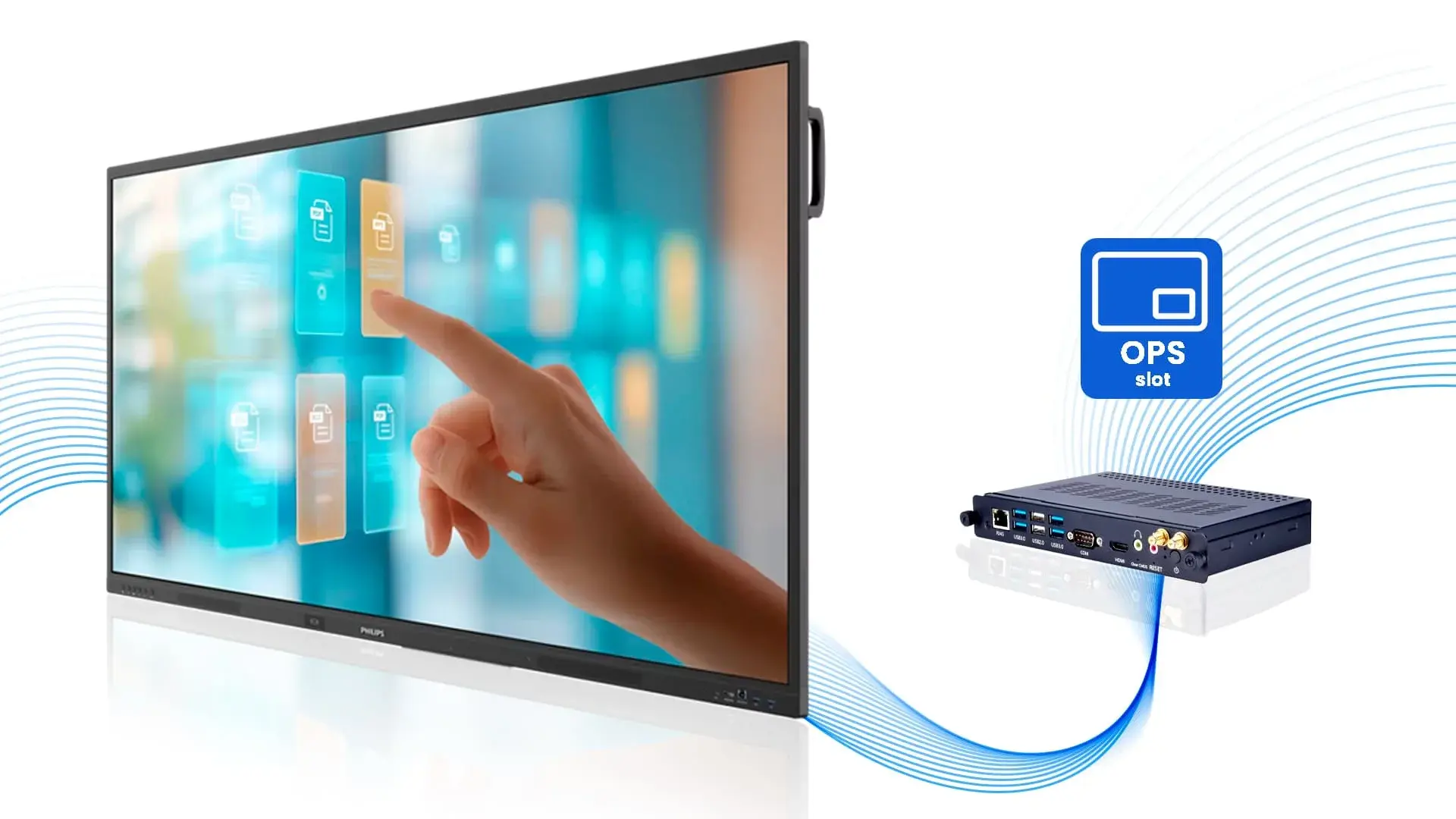
Built-In OPS Slot for Powerful PC Integration
The integrated OPS (Open Pluggable Specification) slot allows you to add a compatible PC directly inside the 65-inch Philips Interactive Screen without extra cables or external devices. The compact design helps keep your workspace clean and organized while making installation quick and easy. It delivers reliable performance for classrooms, meeting rooms, and professional environments.
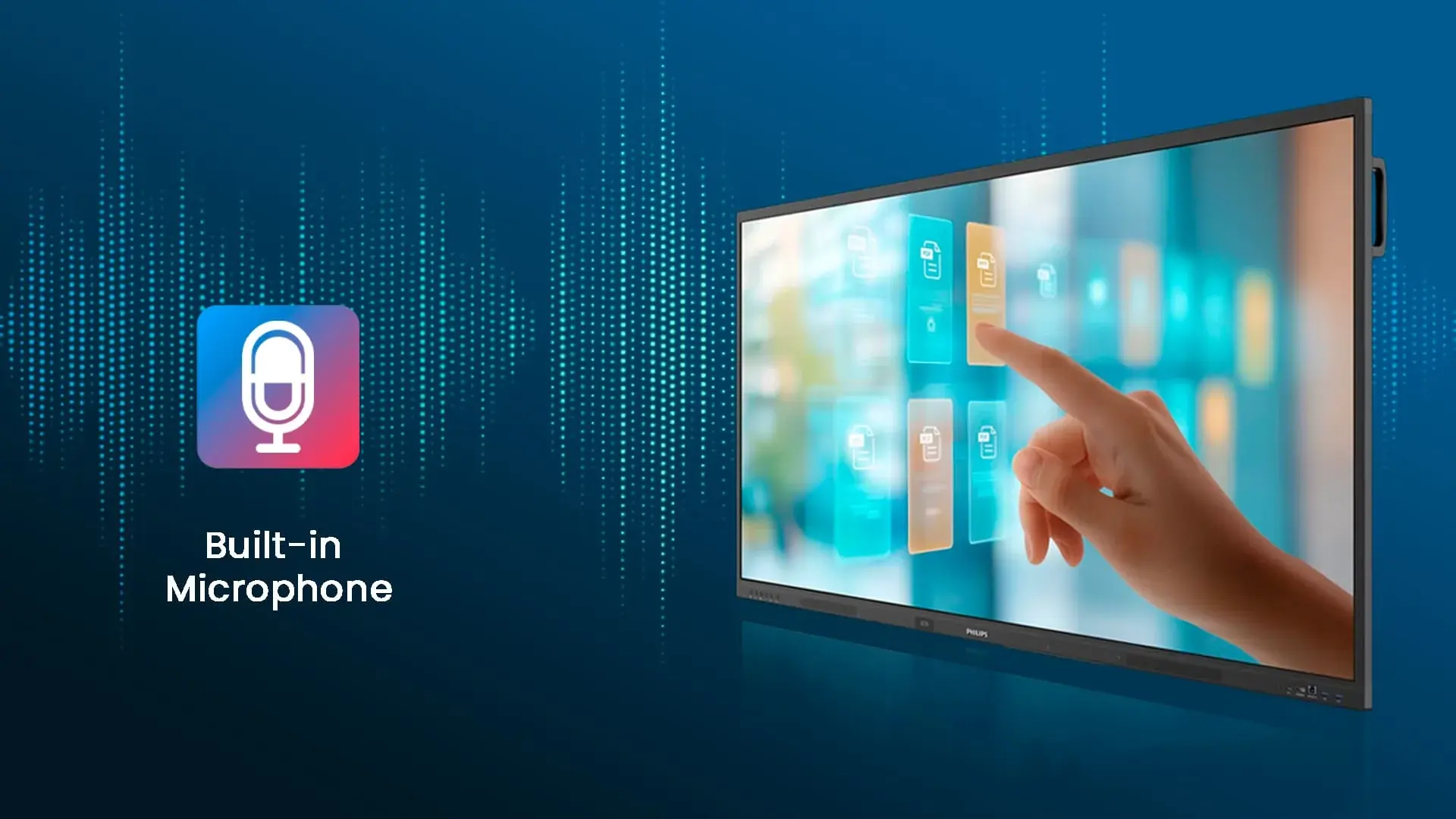
Built-In Microphone for Clear Communication
The 65-inch Philips Interactive Screen includes a built-in microphone that captures voices clearly during meetings, online classes, and video conferences. With no need for an external microphone in most everyday situations, it offers a cleaner setup and helps ensure smooth, effective communication for every participant.
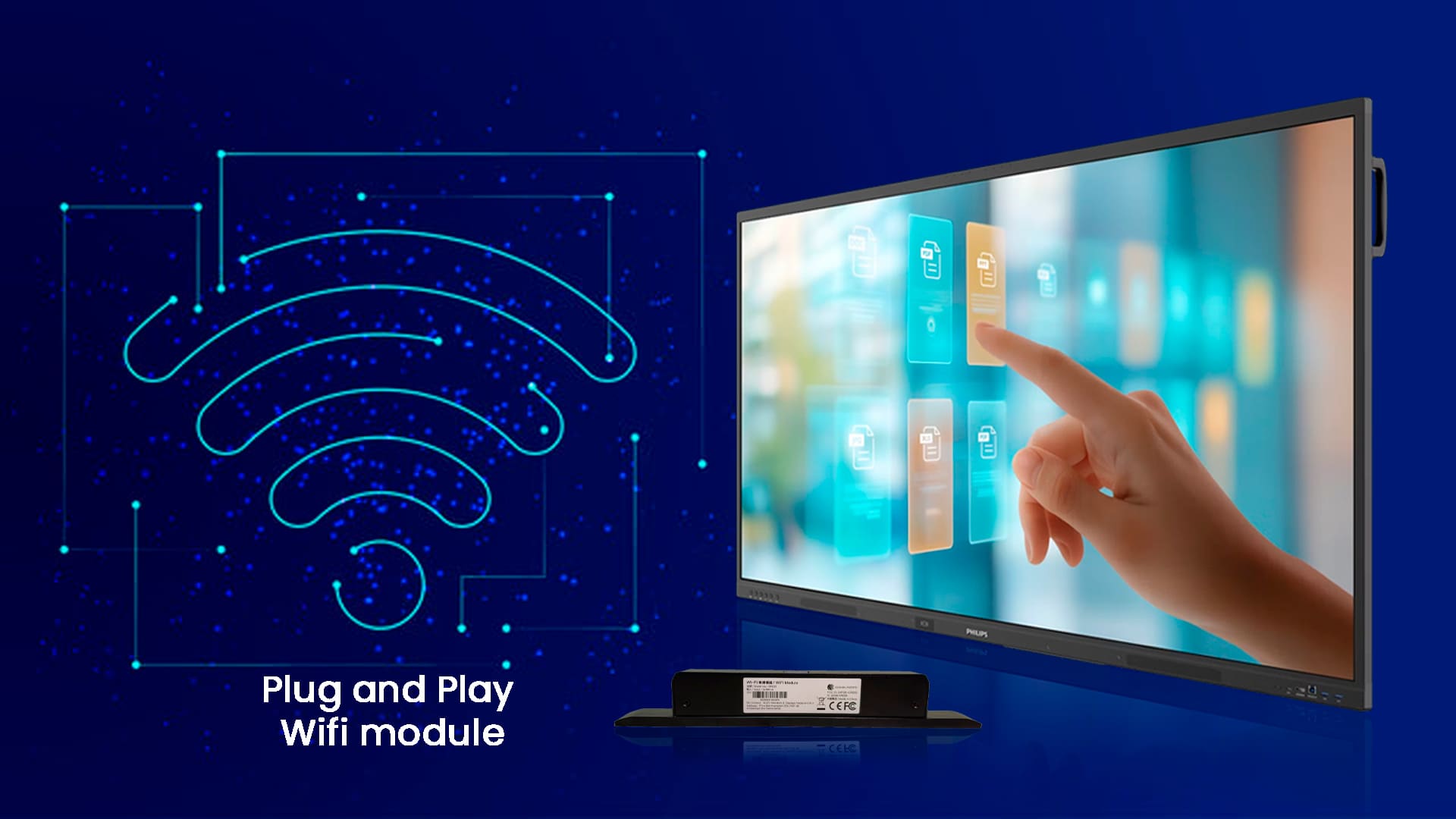
Easy Plug-and-Play Wi-Fi Module Support
The 65-inch Philips Interactive Screen supports a plug-and-play Wi-Fi module, making wireless connectivity quick and hassle-free. Simply install the compatible module to enjoy a stable network connection without complicated setup. It integrates smoothly with the OPS slot, giving you a clean and organized setup that’s ideal for classrooms, meeting rooms, and collaborative workspaces.
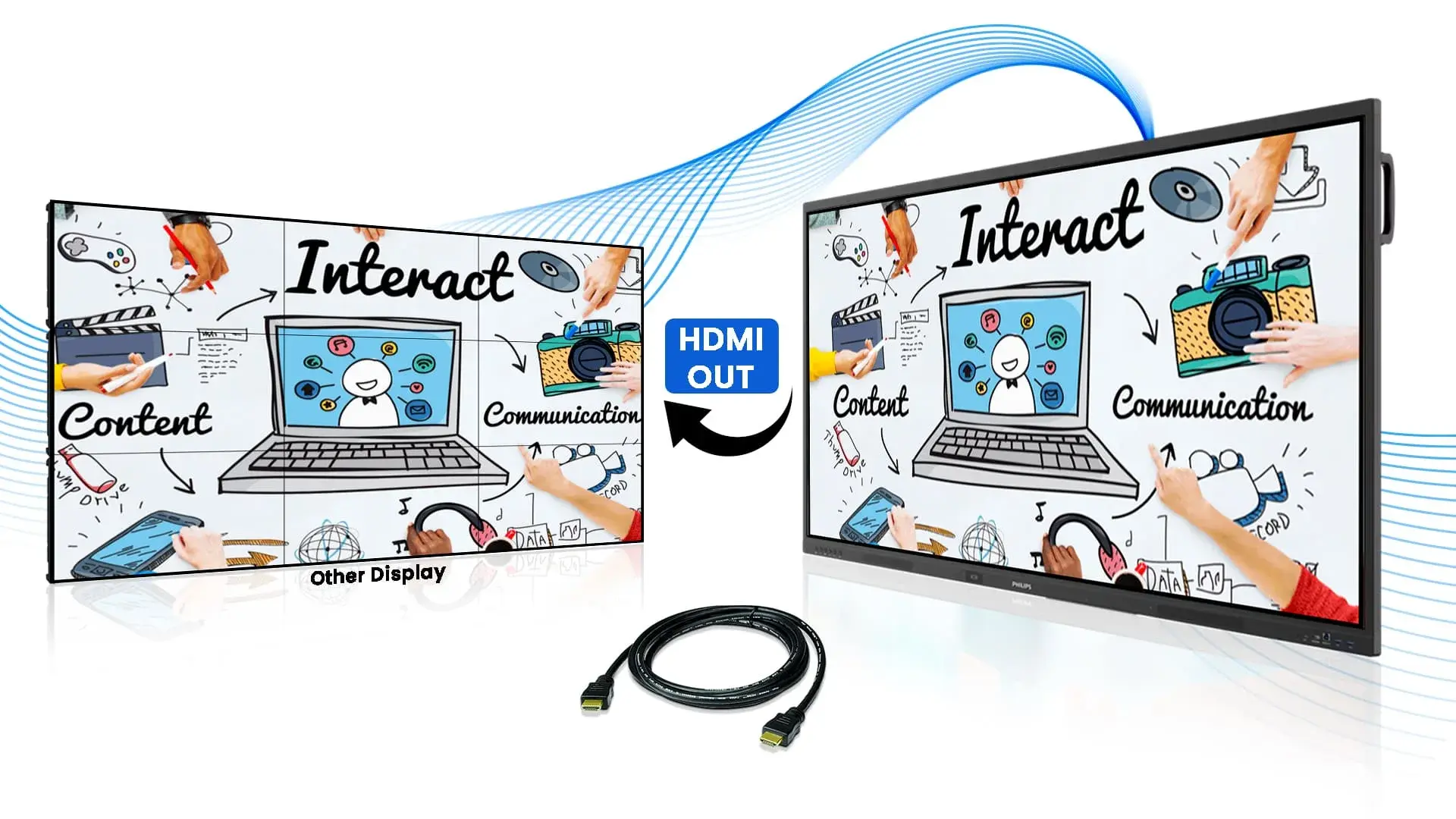
HDMI Out for Multi-Display Viewing
The HDMI Out feature on the 65-inch Philips Interactive Screen lets you extend the same content to additional display with ease. It is a great fit for large classrooms, conference halls, training sessions, and live events ensuring everyone enjoys clear visuals and synchronized audio across multiple connected screens.
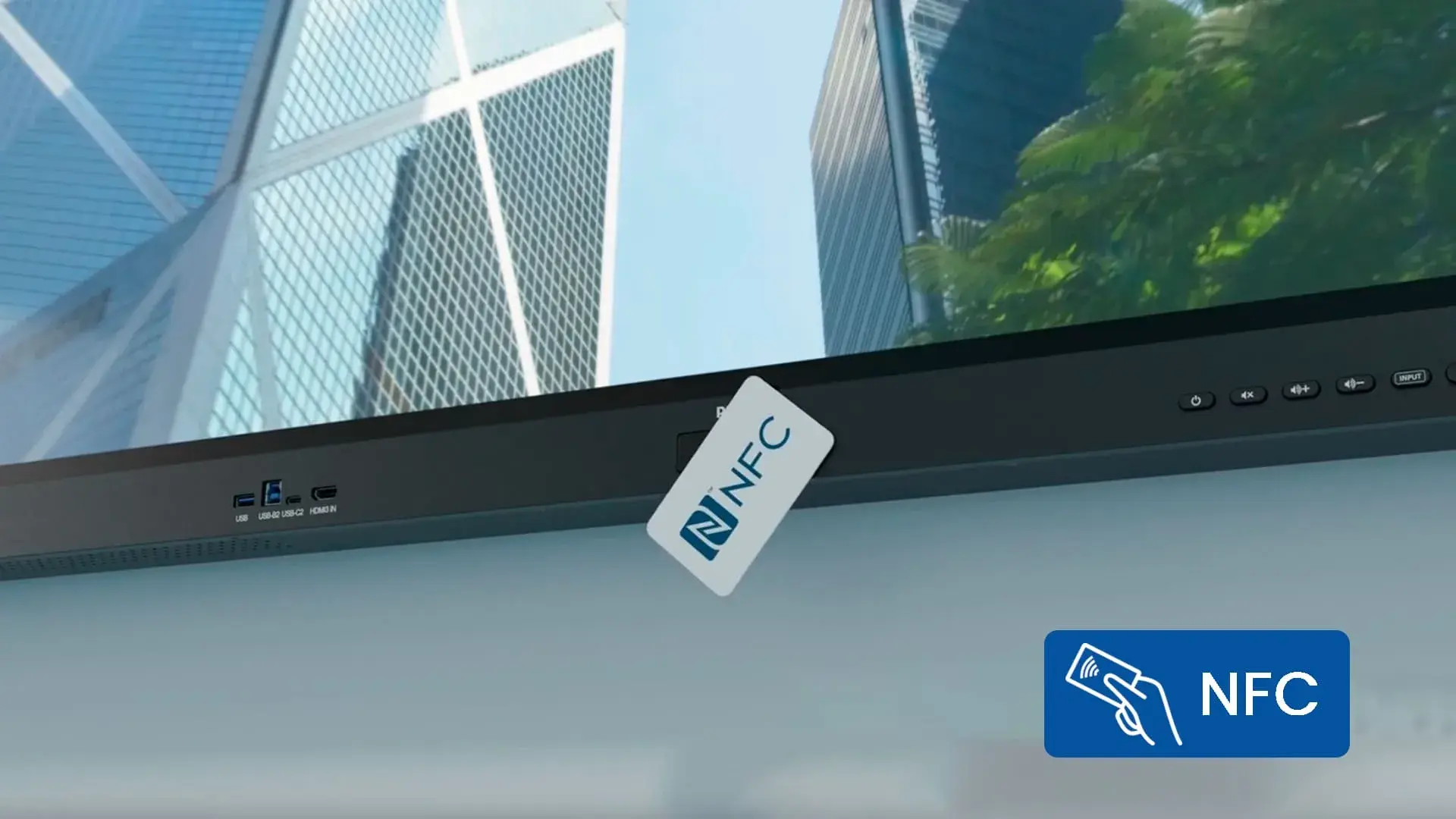
NFC Technology for Quick & Secure Access
The 65-inch Philips Interactive Screen features NFC technology for fast and convenient user authentication. With a simple tap of a compatible NFC card, authorized users can securely access personalized settings, profiles, or applications without entering passwords manually. This helps save time while improving security in classrooms, offices, and shared workspaces.
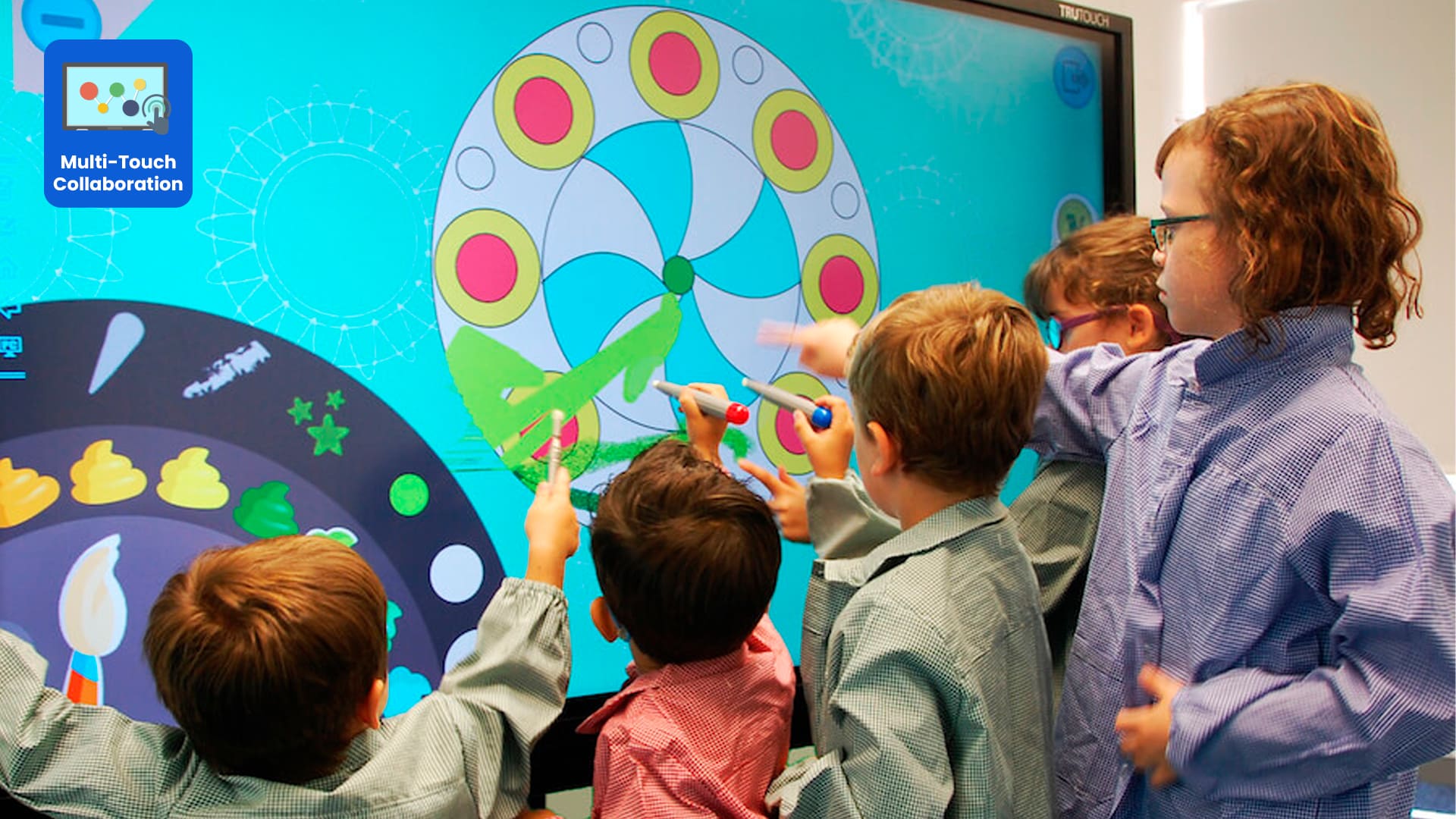
50 Simultaneous Touch Points
The interactive display offers a natural writing experience with 50 touch points, allowing multiple users to write, draw, and add notes on the screen at the same time. Eliminate the need for markers and manual boards.
Seamless Wireless Screen Sharing-64 Devices Connected
Share content instantly without cables using seamless wireless screen sharing. Connect up to 64 devices at the same time, making it perfect for meetings, training sessions, and classrooms. The 9-grid display allows multiple participants to present simultaneously, encouraging better collaboration, smoother discussions, and more interactive presentations.

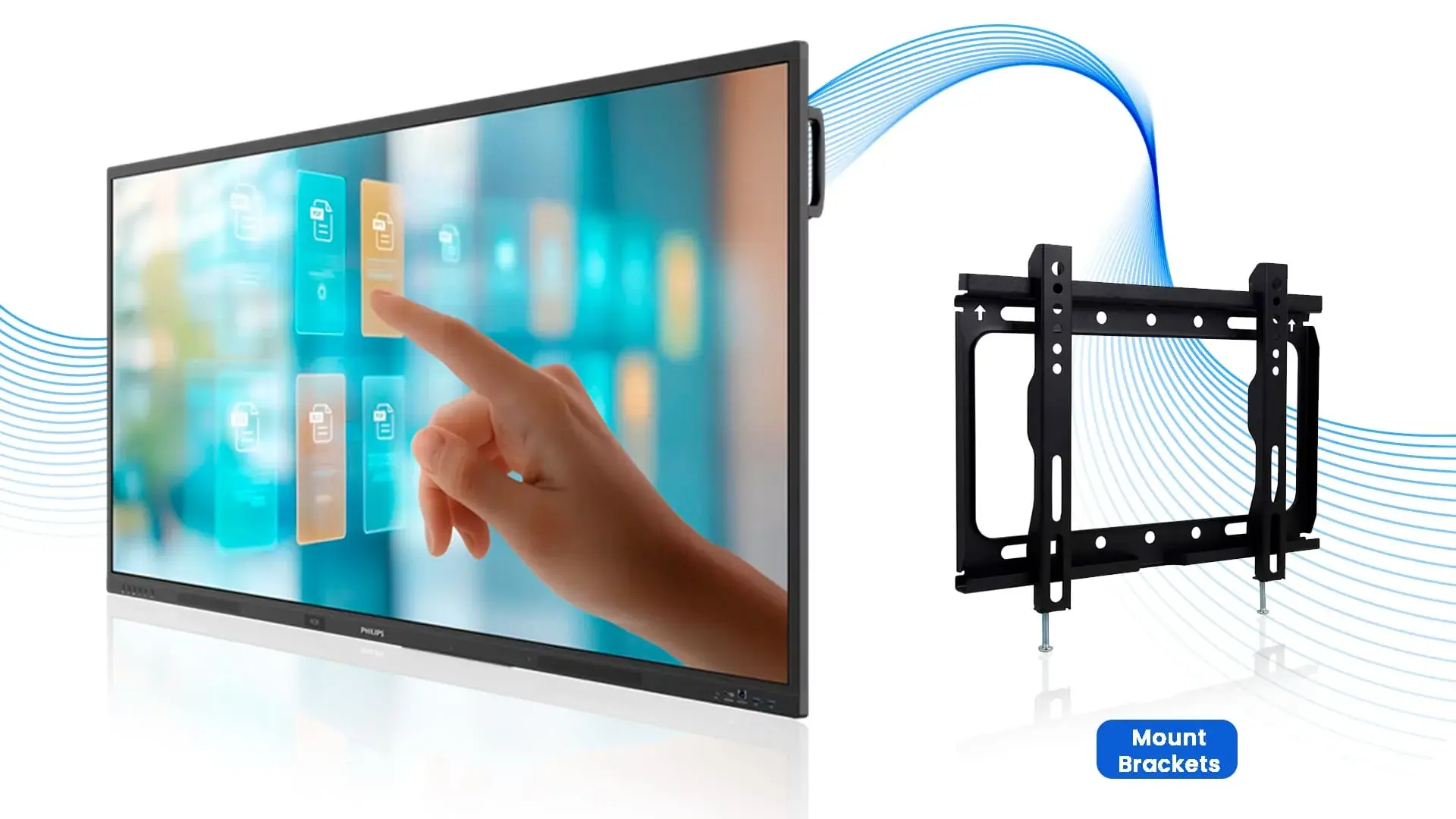
Professional Wall Mount Solution
The 65-inch Philips Interactive Screen is designed for quick and secure wall installation using durable mounting brackets. Its clean, space-saving setup eliminates unnecessary stands and clutter, making it a great choice for classrooms, conference rooms, and training spaces. The sturdy mounting system keeps the display firmly in place, even during active multi-touch collaboration.
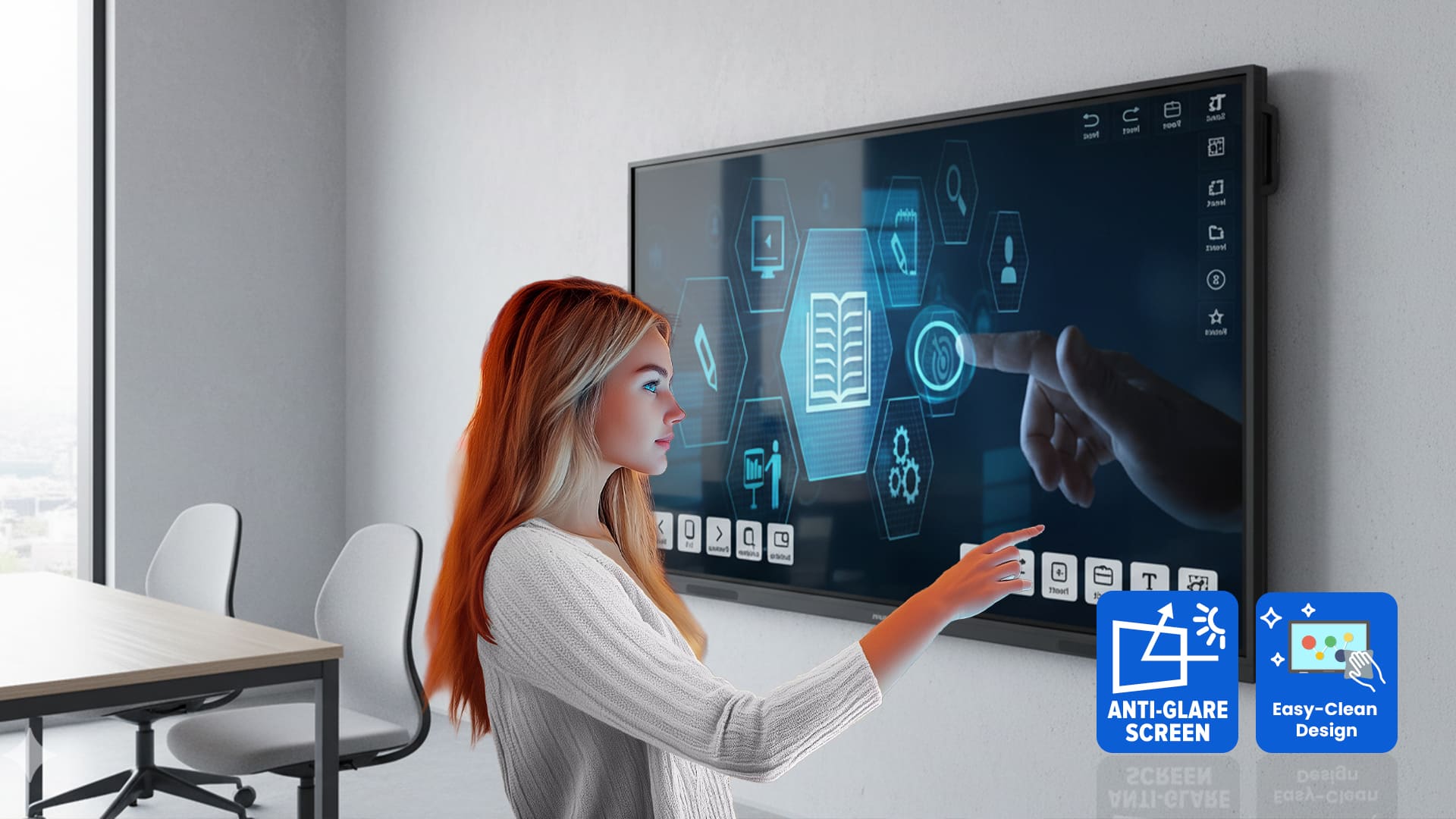
Anti-glare & Anti-reflection
The 65-inch Philips Interactive Screen features durable 7H tempered glass with an anti-glare and anti-reflection coating for a clearer viewing experience in bright environments. Its anti-fingerprint surface helps keep the display clean, while the tough protective glass is built to withstand everyday use in classrooms, offices, and collaborative spaces.
Three-year Warranty
The 65-inch Philips Interactive Screen is backed by a standard three-year manufacturer warranty, giving you added confidence in your investment. Designed for dependable everyday use, it offers reliable protection and long-term peace of mind. Please note that permanent image retention caused by displaying a static image for extended periods is considered normal wear and is not covered under the warranty.
Specifications
65"
Display
ADS
Panel Type
Android 14
Operating System
3840 × 2160
Resolution
| Display | |
|---|---|
| Size | 65 inch (165 cm) |
| Resolution | 4K UHD (3840 × 2160 @ 60 Hz) |
| Brightness | 400 cd/m² |
| Contrast Ratio | 1200:1 (typ.), 500,000:1 (dynamic) |
| Viewing Angle | 178° / 178° |
| Panel Technology | ADS |
| Touch | 50-point Infrared touch, 0-gap design |
| Glass | Anti-glare, 7MOHS tempered safety glass, blue-light filter |
| Internal System | |
| Operating System | Android 14 |
| CPU | 4×A73 + 4×A53 |
| GPU | Mali-G52 |
| RAM | 8 GB |
| Internal Storage | 128 GB eMMC |
| Wi-Fi | 2.4 / 5 / 6 GHz (2T2R) |
| Bluetooth | 5.2 BLE |
| Built-in Microphone | Yes |
| Connectivity | |
| Video Inputs |
HDMI 2.0 × 3 USB-C (65W) USB 3.0 × 4 USB-B × 2 OPS Slot |
| Outputs |
HDMI 2.0 × 1 VGA SPDIF 3.5 mm audio out |
| Control |
RS232 (in/out) LAN × 2 IR loopthrough |
| Audio | |
| Speakers | 2 × 20 W (40 W total) |
| Power | |
| Typical Consumption | 115 W |
| Standby | < 0.5 W |
| Power Saving | Smart Power |
| Dimensions | |
| Size (W × H × D) | 1488 × 907.5 × 97.3 mm |
| Weight | 28.44 kg (without stand) |
| VESA Mount | 600 × 400 mm |
| Durability & Conditions | |
| MTBF | 50,000 hours |
| Operating Temperature | 0 – 40 °C |
| Humidity | 10–90% (non-condensing) |
| Supported Playback | |
| Video | H.263, H.264, H.265, MPEG1/2/4, VP8, VP9 |
| Image | JPEG, PNG, BMP, WEBP |
| Audio | AAC, HEAAC, MPEG |
| Accessories Included | |
| Items |
Remote + batteries USB A-B cable (3m) AC power cable Touch pens × 2 Cleaning cloth Quick start guide |
| Warranty | |
| Warranty | 3 year |
FAQs
What Makes Philips 65’’ Interactive Display Better Than a Normal Screen?
Unlike regular displays, this interactive screen supports 50 touch points. It supports wireless screen sharing, Android apps, and real-time collaboration. These features make it ideal for classrooms, meetings, and presentations.
Can Multiple People Write or Interact at the Same Time?
Yes. The display supports up to 50 touch points, allowing multiple users to write, draw, or interact simultaneously. Hence it makes group discussions and classroom activities more engaging.
Does the Display Support Wireless Screen Sharing?
Absolutely. You can share screens wirelessly using AirPlay, Google Cast, or Miracast. So, users can present directly from laptops, tablets, or smartphones without cables.
Do I Need an External PC To Run the Display?
Not necessarily. The display runs on Android 14, allowing you to install apps directly. However, if needed, you can integrate a PC using the built-in OPS slot without messy cables.
Is the Screen Durable for Daily Classroom or Office Use?
Yes. The screen comes with 7H hardness anti-glare glass, anti-fingerprint coating, and durable construction making it ideal for daily use. Yes, specifically for schools and offices.
Can the Display Be Managed Remotely Across Multiple Locations?
Yes. Using CMND & PPDS Wave cloud management, IT teams can remotely control displays. They can even update software, and manage content across multiple sites easily.
Does the Display Include Built-In Audio and Microphone Support?
Yes. The display includes a built-in microphone, making online meetings and presentations clearer. Hence, you don’t need extra struggle with Philips interactive screen.