MNK Digital is an Authorized distributor of Samsung, Philips, LianTronics, & Unilumin A/V Solutions in Pakistan.

QMB-T UHD 4K Samsung Touch Display
Maximize the Touch Experience with Advanced Touch Display
Samsung touch screens deliver exactly what you expect from a premium interactive display. It gives exceptional responsiveness, clarity, and reliability. Whether installed in restaurants, airports, shopping malls, or railway stations, the Samsung QMB-T UHD 4K Touch Display is an ideal solution for high-traffic public environments. Available in 43’’ and 55’’ sizes, the QMB-T series combines powerful performance with advanced touch technology. In Pakistan, MNK Digital is the trusted destination to get this cutting-edge Samsung touch display. Let’s explore its key features.
Samsung Touch Screen QMB-T
LH43QMBTBGCX
- Powerful touch with Tizen
- 3,840 x 2,160 UHD resolution
- non-glare glass
QMB-T Series Available in Different Sizes
43"QMB-T UHD 4K Samsung Touch Display
55"QMB-T UHD 4K Samsung Touch Display
Powerful Touch Experience
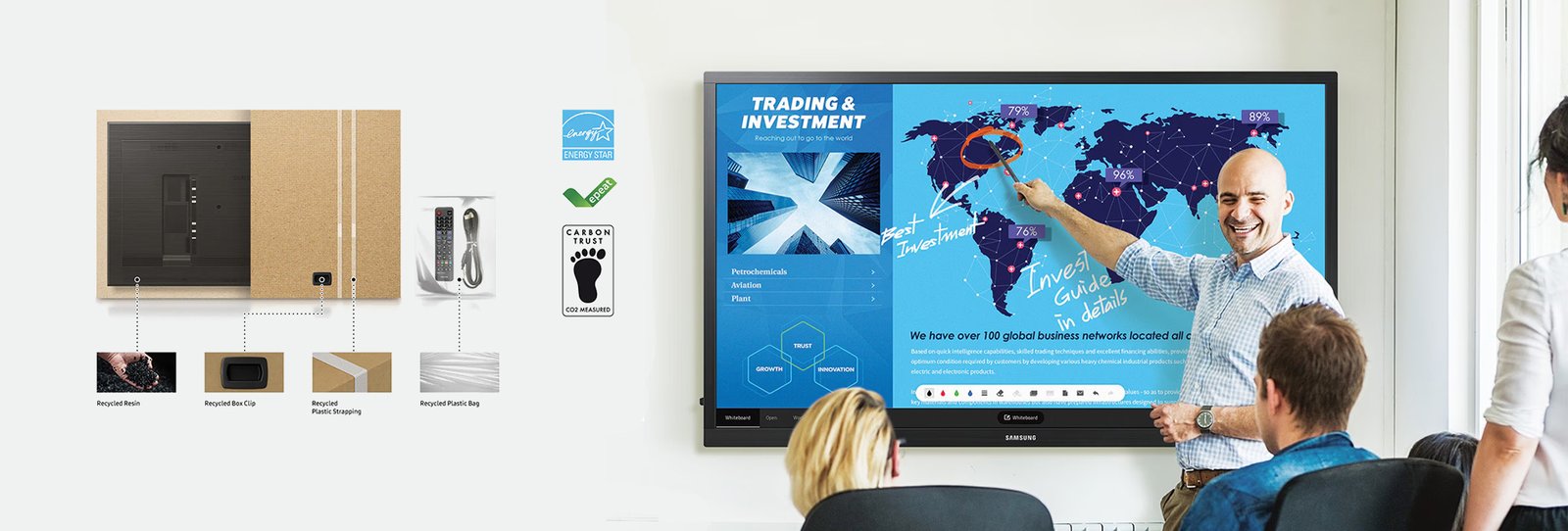
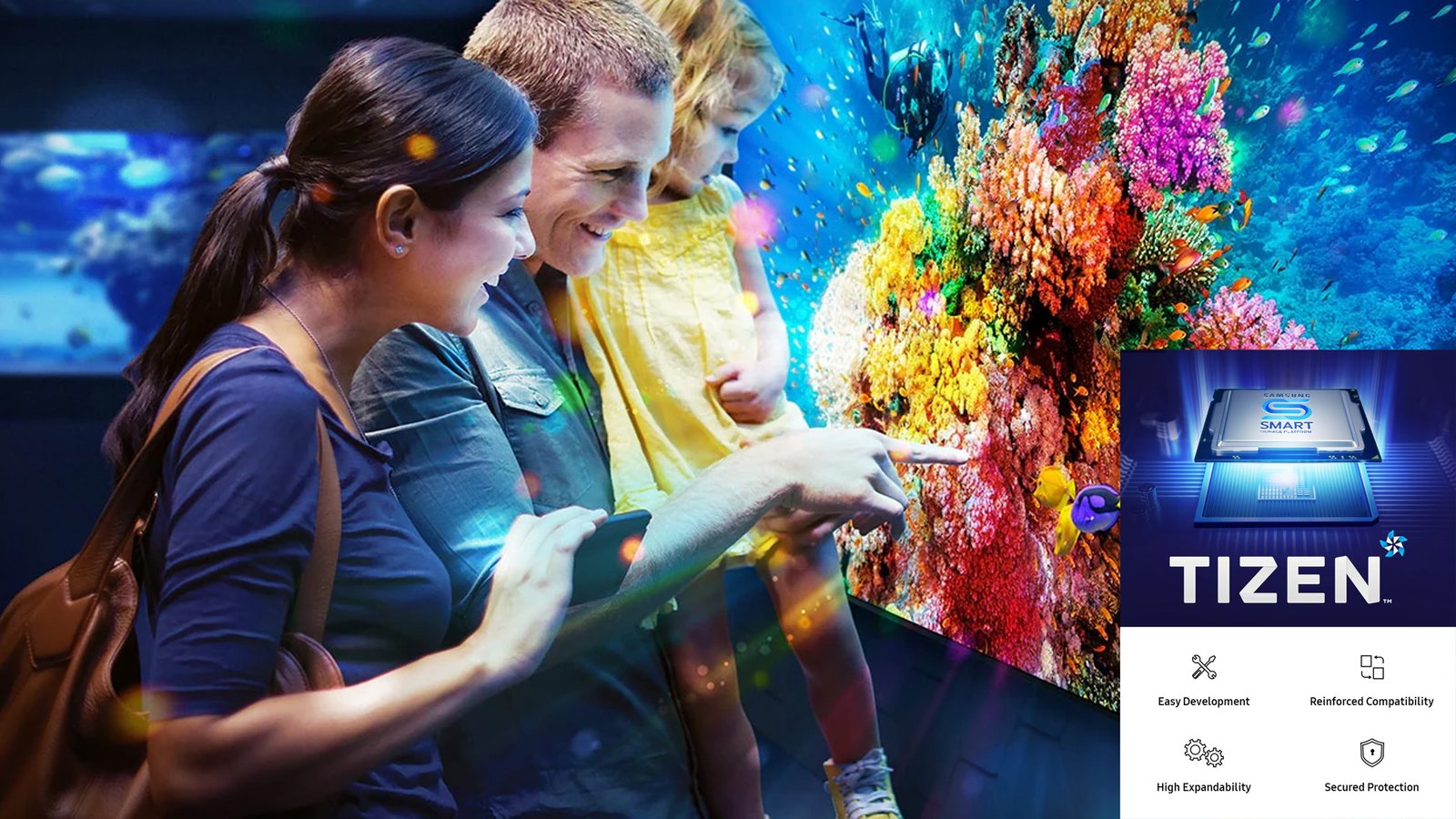
Powered by an upgraded Tizen OS, the QMB-T touchscreen ensures smooth, reliable content playback and high-speed media performance. Its responsive capacitive touch technology delivers an engaging, natural interaction, while the intuitive interface makes digital experiences simple, fast, and productive.
Stunning UHD Content
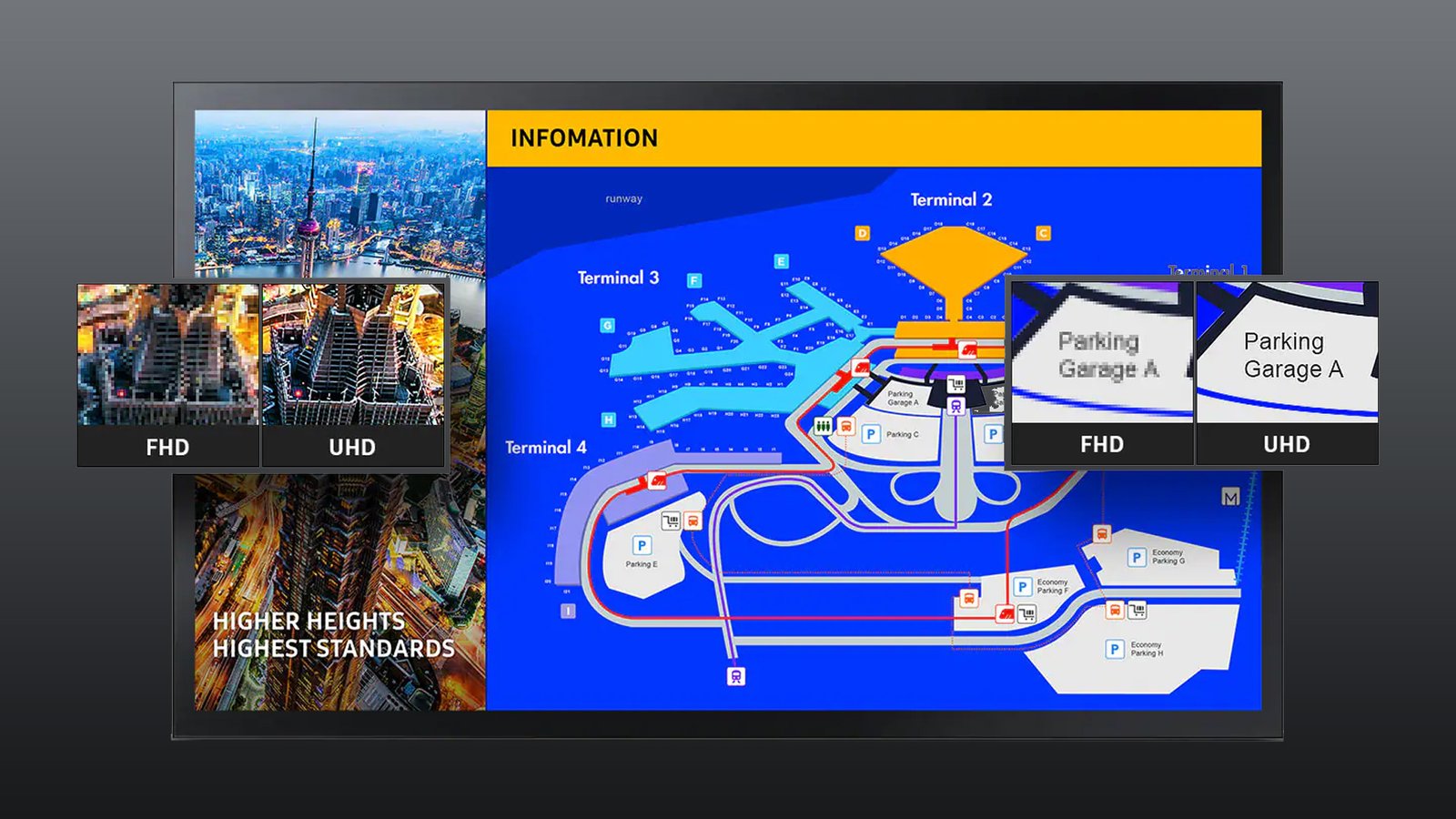
The Samsung QMB-T series turns the dream of ultra-clear visuals into reality. With UHD 4K resolution, this interactive display presents incredibly sharp and lifelike content, enhancing customer engagement and ensuring visuals appear exactly as intended.
Better Visibility in Any Environment
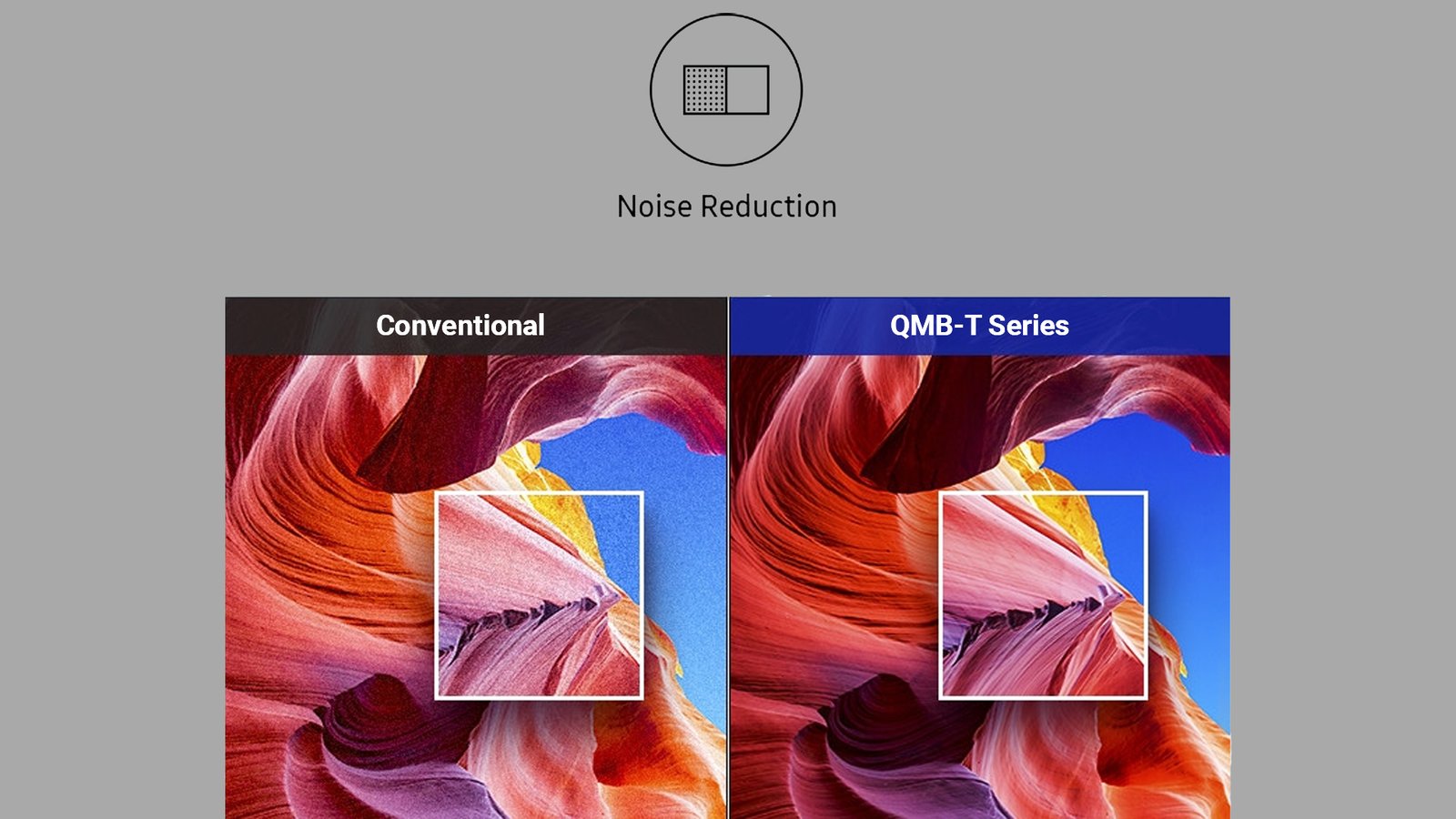
Featuring non-glare glass, the QMB-T offers a matte screen that significantly reduces reflections, ensuring excellent visibility even in bright environments. The added haze coating provides a smoother touch response, allowing users to interact quickly and accurately.
Reliable and Efficient Performance
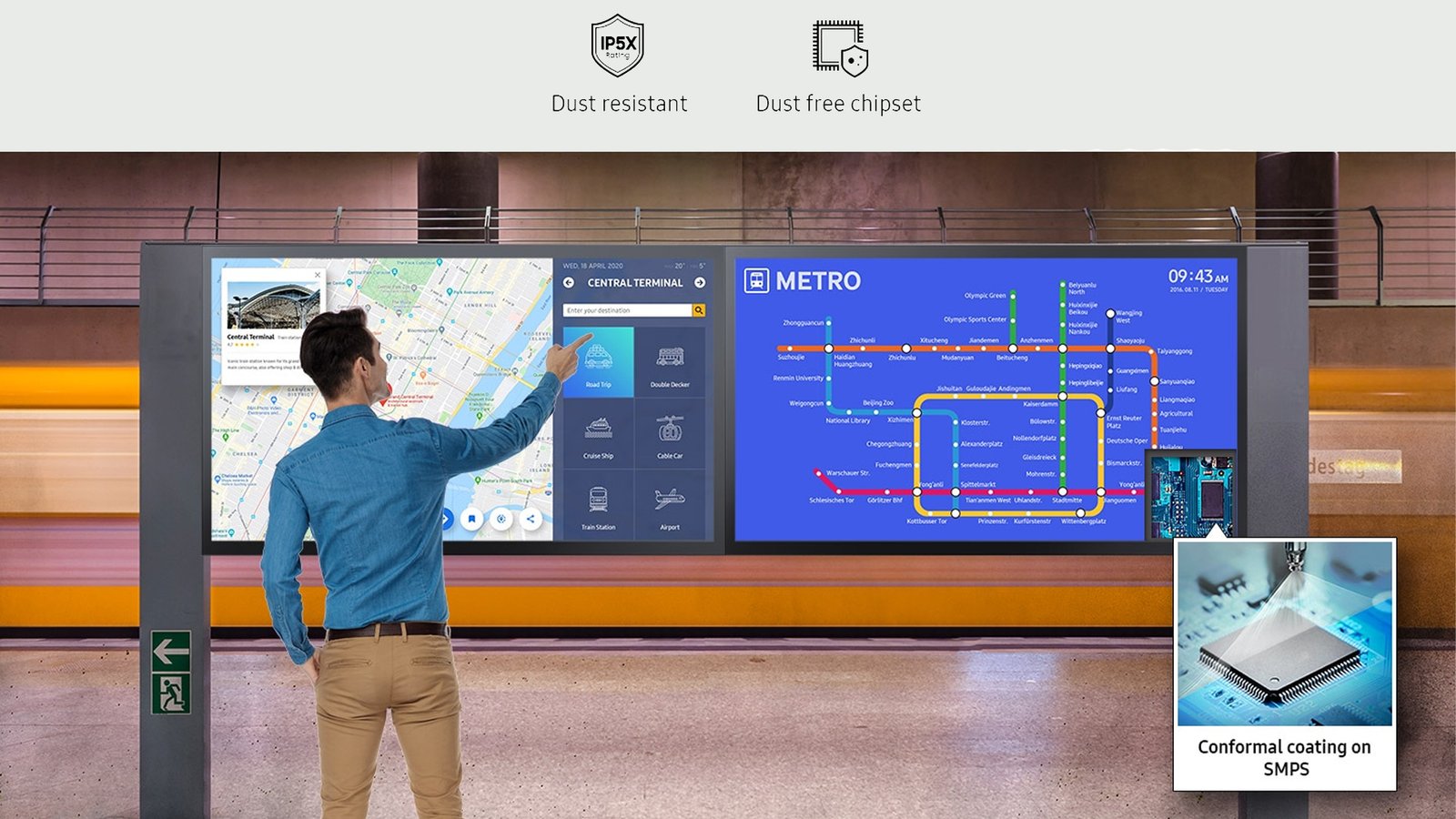
Designed for demanding public spaces, the QMB-T display comes with an IP5X dust-resistant rating, ensuring consistent performance in dusty conditions. Its innovative center IR design allows for easy installation without extra adjustments, while the conformal coating protects the screen from frequent customer interactions, enhancing long-term durability.
Easy Content Management
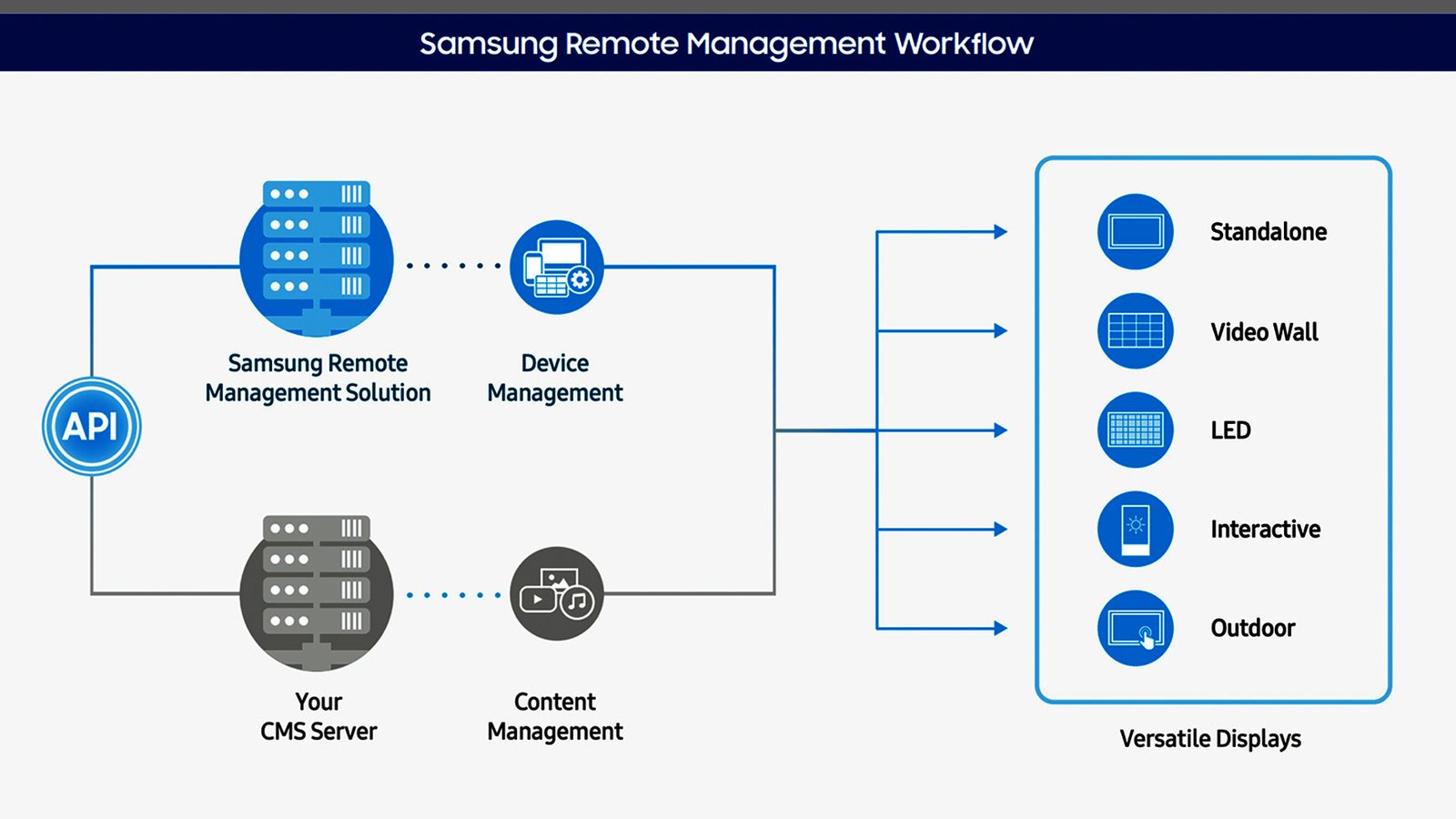
The QMB-T includes Samsung MagicINFO, an advanced built-in content management system that allows users to manage images and videos effortlessly. With real-time monitoring and early warning alerts, MagicINFO helps prevent downtime and keeps displays running smoothly.
Custom Meeting Room Settings
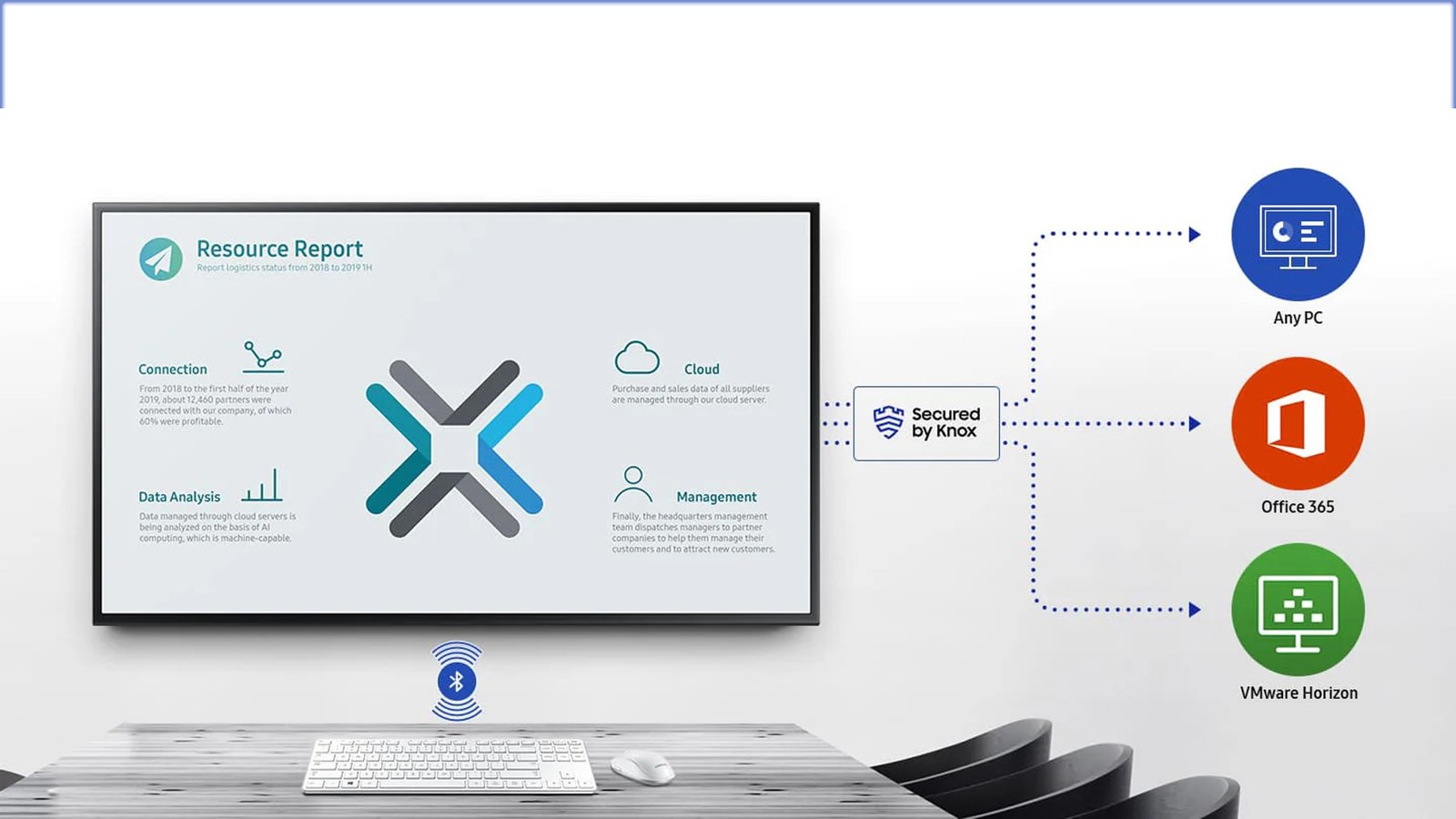
The Custom Home feature simplifies conference room management by allowing administrators to lock specific settings. This prevents users from changing configurations between meetings, ensuring smooth operation throughout the day and reducing the workload on IT teams.

Smart Calibration
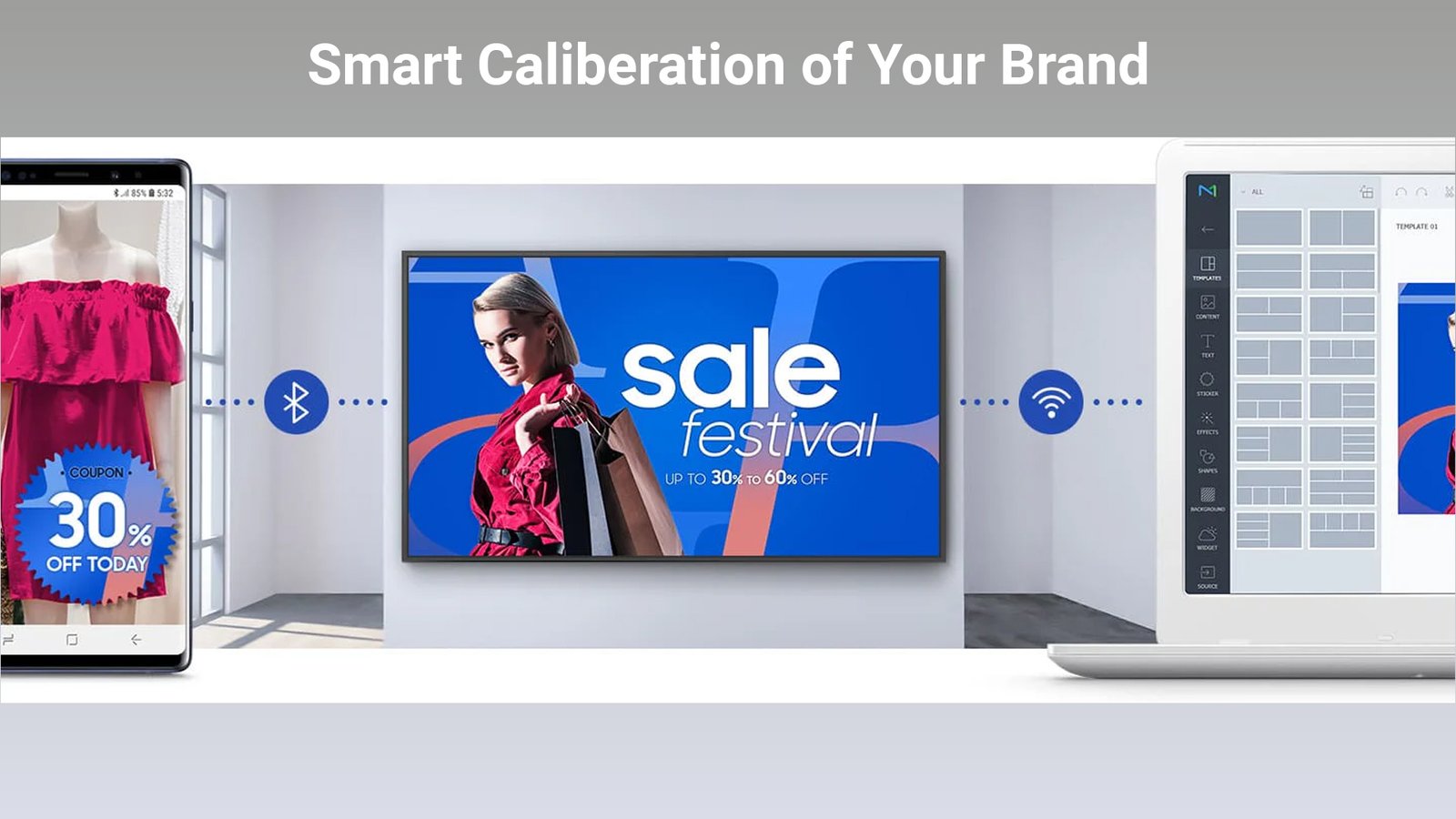
Smart Calibration ensures consistent brand colors across all displays, regardless of location. Using the Samsung mobile app, each screen can be precisely calibrated so logos and visuals appear in exact, brand-approved colors every time.
Easier Setup with Zero Config
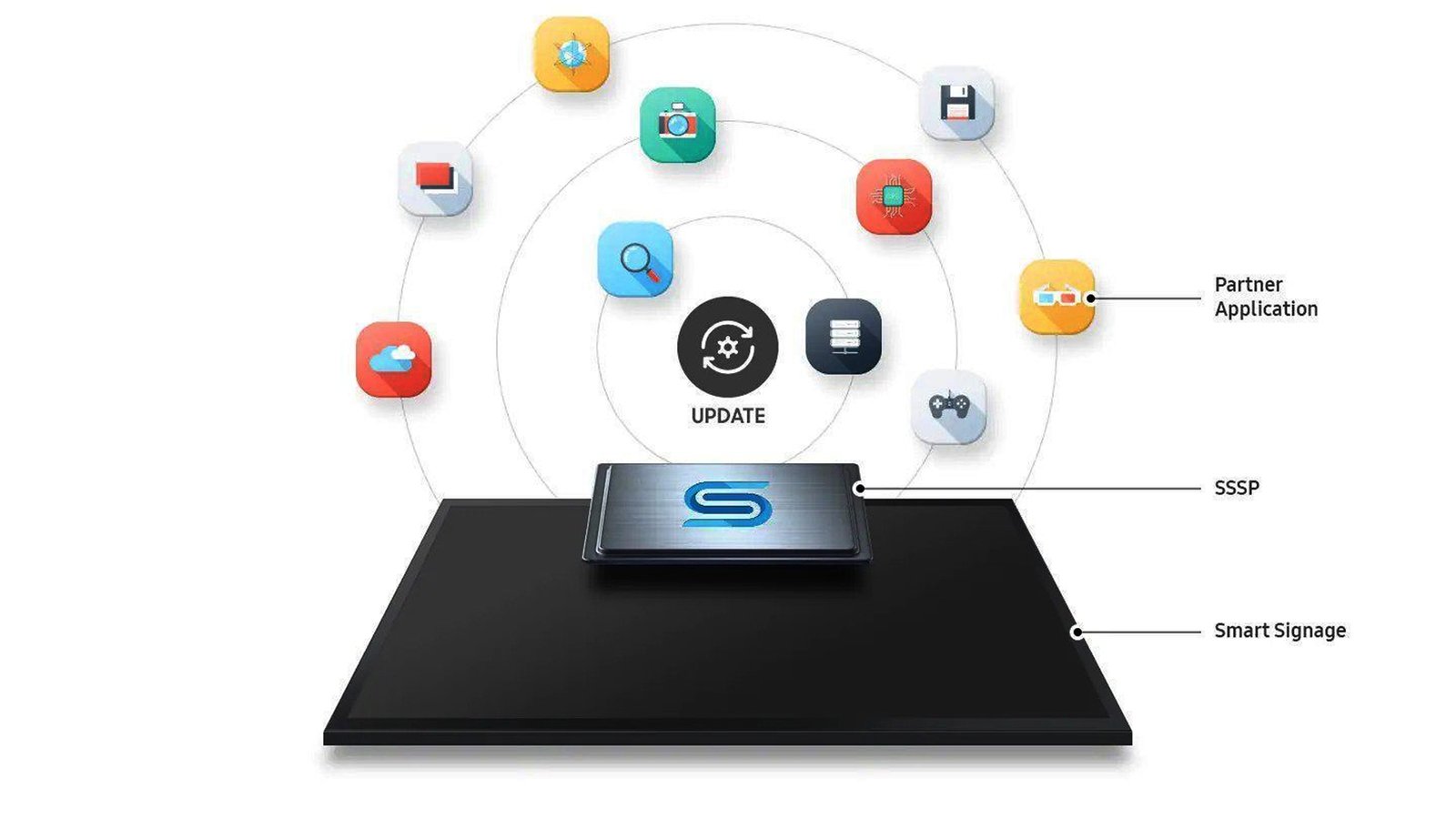
With Tizen Zero Config, IT managers can deploy and manage multiple displays effortlessly. New applications can be registered through Tizen Business Manager and installed remotely, eliminating the need for on-site setup and saving valuable time.
Upgradeable Web-Engine
The QMB-T touch display supports a wide range of creative content. Continuous web engine upgrades ensure the latest formats play smoothly, enabling more dynamic, engaging, and future-ready visuals.
Flexible Installation
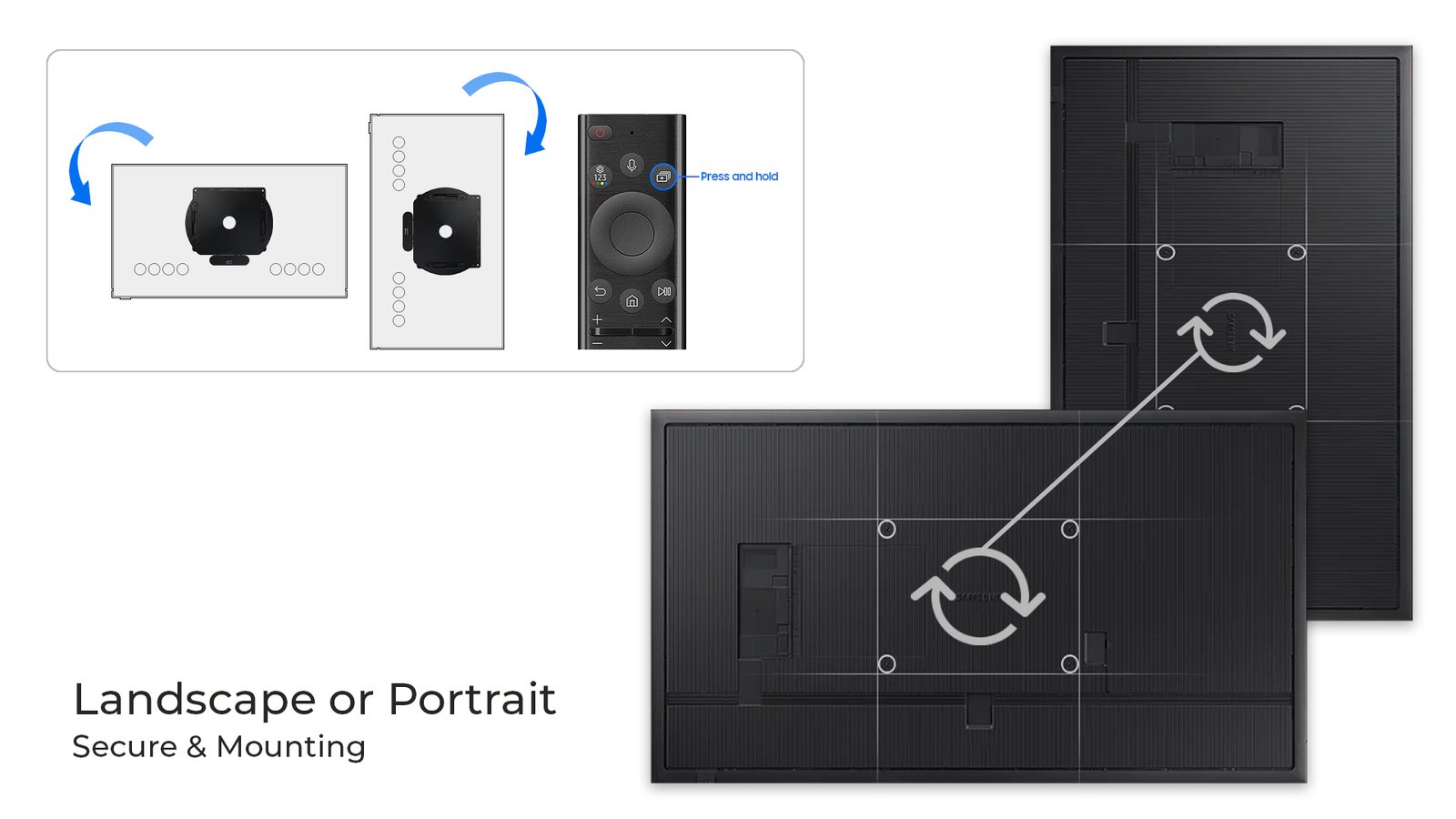
Samsung QMB-T features Auto Level, which automatically adjusts content when switching between portrait and landscape orientations. It also detects incorrect pivot directions, ensuring your display is always correctly aligned for any installation environment.
Specifications
VA
Panel Type
500nit
Brightness
3,840 x 2,160
Resolution
8ms
Response Time
Display
- Diagonal Size: 43″/55″
- Panel Type: VA
- Resolution: 3,840 x 2,160
- Pixel Pitch (Size: 43″) (HxV): 0.245 x 0.245mm
- Pixel Pitch (Size: 55″) (HxV): 0.315 x 0.315mm
- Brightness (Type): 500(without Glass), 400(with glass)
- Contrast Ratio: 4000:1(without glass)
- Response Time: 8ms
- Color Gamut: 92% (DCI-P3, CIE 1976)
- Glass Haze: 25% (without glass)
- H-Scanning Frequency: 30 ~ 81 kHz
- Maximum Pixel Frequency: 594MHz
- V-Scanning Frequency: 48 ~ 75 kHz
- Contrast Ratio (Dynamic): Mega
- Operation Time Support: 24/7
- Viewing Angle (H/V): 178/178
Connectivity
- HDMI In: 3
- DP In: 1
- Version of HDMI: 2
- Version of DP: 1.2
- Version of HDCP: 2.2
- USB: 2
- IR In: Yes
- Audio In: No
- Audio Out: Stereo Mini Jack
- RS232 In: Yes
- RS232 Out: Yes
- RJ45 In: Yes
- Wi-Fi: Yes
- Bluetooth: Yes
Power
- Power Supply: AC100-240V 50/60Hz
- Power Consumption (Sleep Mode, W): 0.5W
- Power Consumption (Size-43″) (On Mode) : 110W
- Power Consumption (Size-55″) (On Mode) : 143W
Dimension
- Set Dimension (Size-43″) (WxHxD): 986.2 x 584.4 x 56.7 mm
- Set Dimension (Size-55″) (WxHxD): 1253.8 x 734.6 x 56.7 mm
- Package Dimension (Size-43″) (WxHxD): 1134 x 725 x 141 mm
- Package Dimension (Size-55″) (WxHxD): 1421 x 884 x 165 mm
Weight
- Set Weight (Size-43″): 14.5 kg
- Set Weight (Size-55″): 26.9 kg
- Package Weight (Size-43″): 18.7 kg
- Package Weight (Size-55″): 32.5 kg
Operation Conditions
- Temperature: 0℃~40℃
- Humidity: 10 ~ 80%, non-condensing
Mechanical Specification
- VESA Mount (mm): 200 x 200 mm
- Bezel Colour: Charcoal Black
- Frame Material: Non-Glossy
Optional Feature
- Touch: Yes
- Mount: WMN4070SG
- Stand: STN-L-4355G
SoC
- OS Version: Tizen 6.5
- Flash Memory Size: 16GB
Touch
- Touch Technology: Capative
FAQs
What Makes Samsung QMB-T Touch Display Ideal for Public Spaces?
The QMB-T is built for high-traffic environments like malls, airports, and restaurants. It offers responsive touch performance, UHD 4K visuals, and durable, dust-resistant construction for reliable daily operation.
Does QMBT Screen Remain Visible in Bright Environments?
Yes. The display uses non-glare matte glass, reducing reflections and keeping content clear even in brightly lit spaces.
Can Content Be Updated Remotely on Multiple QMBT Screens?
Absolutely. With Samsung MagicINFO, businesses can remotely manage content. They can easily monitor displays, and update media across multiple locations in real time.
Is Installation Complicated for Multiple Screens?
Not at all. Thanks to Tizen Zero Config, IT teams can install and manage multiple screens remotely without needing on-site configuration. This all saves time and extra effort.
Can Samsung QMBT Display Automatically Adjust Orientation?
Yes. The Auto Level feature automatically aligns content when switching between portrait and landscape modes. This way Samsung QMBT ensures proper display alignment every time.
Is QMB-T Suitable for Meeting Rooms as Well?
Yes. It includes Custom Home settings that allow administrators to lock configurations, making meeting rooms easier to manage.
How Durable is Samsung QMB-T Touchscreen?
The display features IP5X dust resistance, protective coating, and commercial-grade construction. These certificates make it reliable for continuous use in busy public environments.