MNK Digital is an Authorized distributor of Samsung, Philips, LianTronics, & Unilumin A/V Solutions in Pakistan.

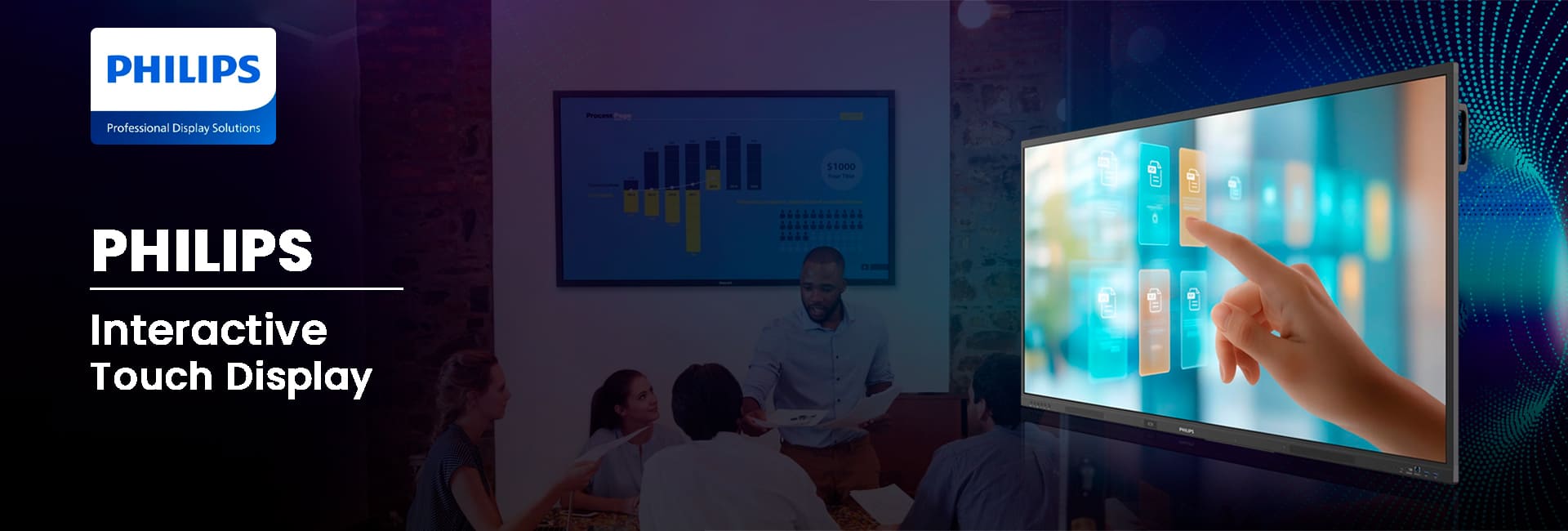
65’’ Philips Interactive Touch Display
Interactive Touch Display for Education
The 65 Inch Philips Interactive Display is designed to inspire interaction, creativity, and teamwork in collaborative environments. The interactive display is powered by Android 14 and has more than 50 touch points for presentations, demos, and interactive sessions. It maintains bright, uniform visuals even during long hours of continuous use. Anti-glare and anti-reflection glass coatings are ideal for daily use to make every lesson, meeting, or brainstorming session more engaging and productive. The durable construction and responsive touch screen make it an ideal choice for classrooms, meeting rooms, retail centers, and public centers.
65’’ Interactive Touch Display
65BDL4252E
- 50-point multi-touch technology
- Wireless presentation
- Android 14 OS built-in
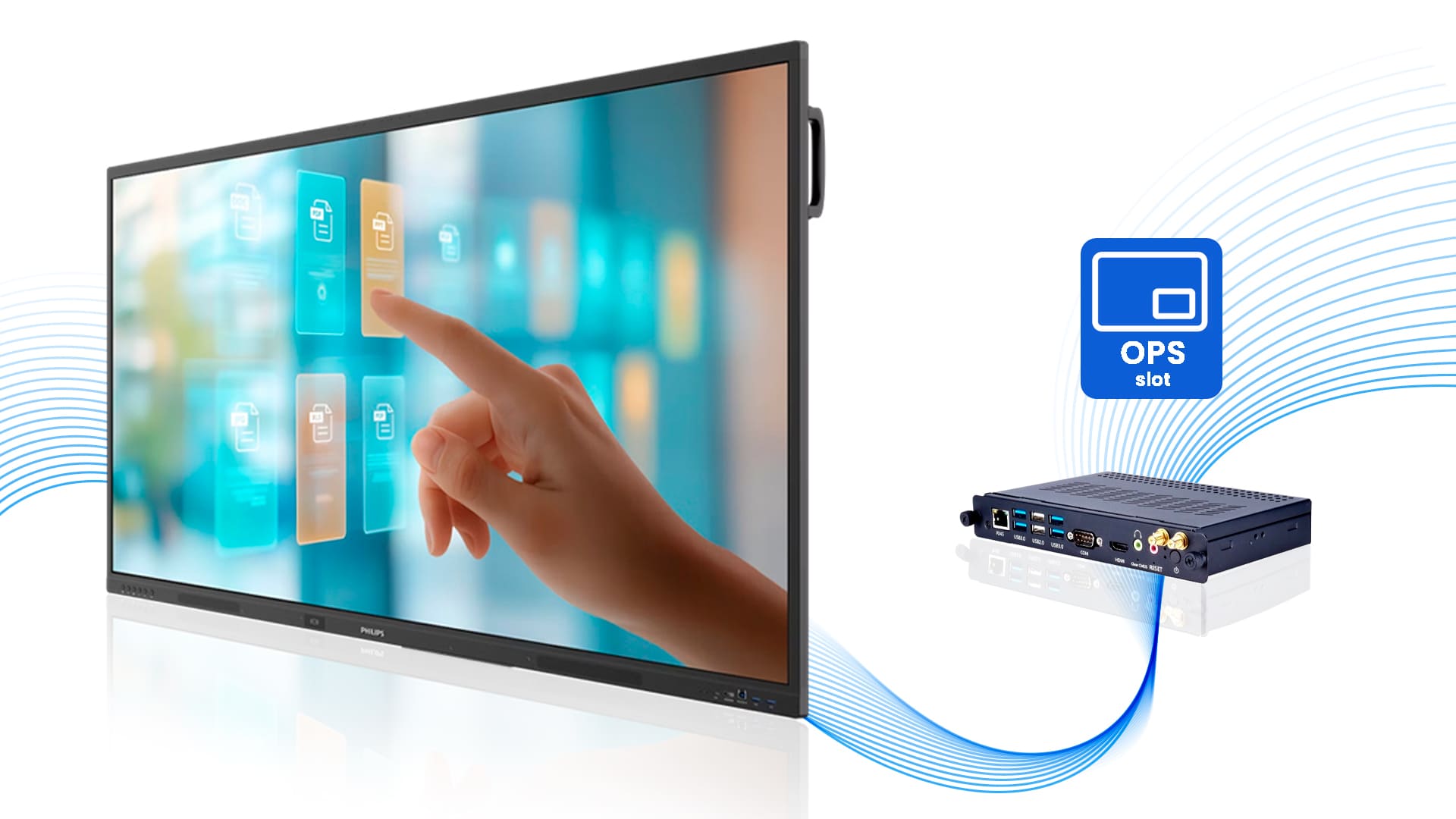
OPS Integration
The OPS slot integration lets you install a full-power PC straight into the display without any extra cables. This cable-free PC integration streamlines installation and enhances overall performance.
Android 14 Operating System
Android 14 operating system delivers fast, reliable, and responsive performance. The display supports the installation of new apps and provides a smooth interface to display up-to-date lessons and presentations. Overall, the display is built to stay compatible with future technology.
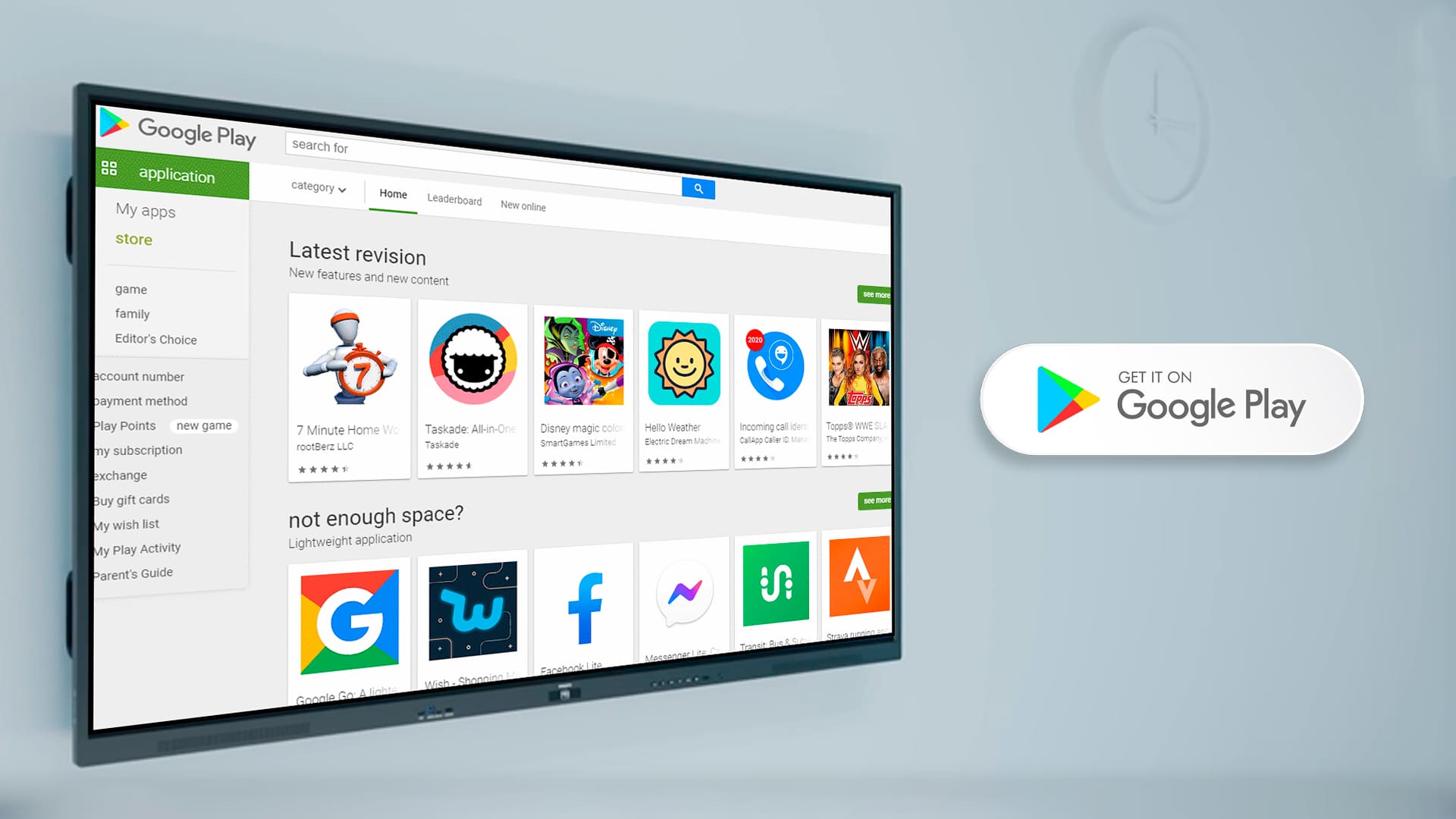
Google Play Store
Philips’ interactive display with Android 14 supports the Google Play Store, giving access to thousands of educational and productivity apps. Users can easily download tools for teaching, meetings, and creativity, ensuring they stay up-to-date with the latest resources.
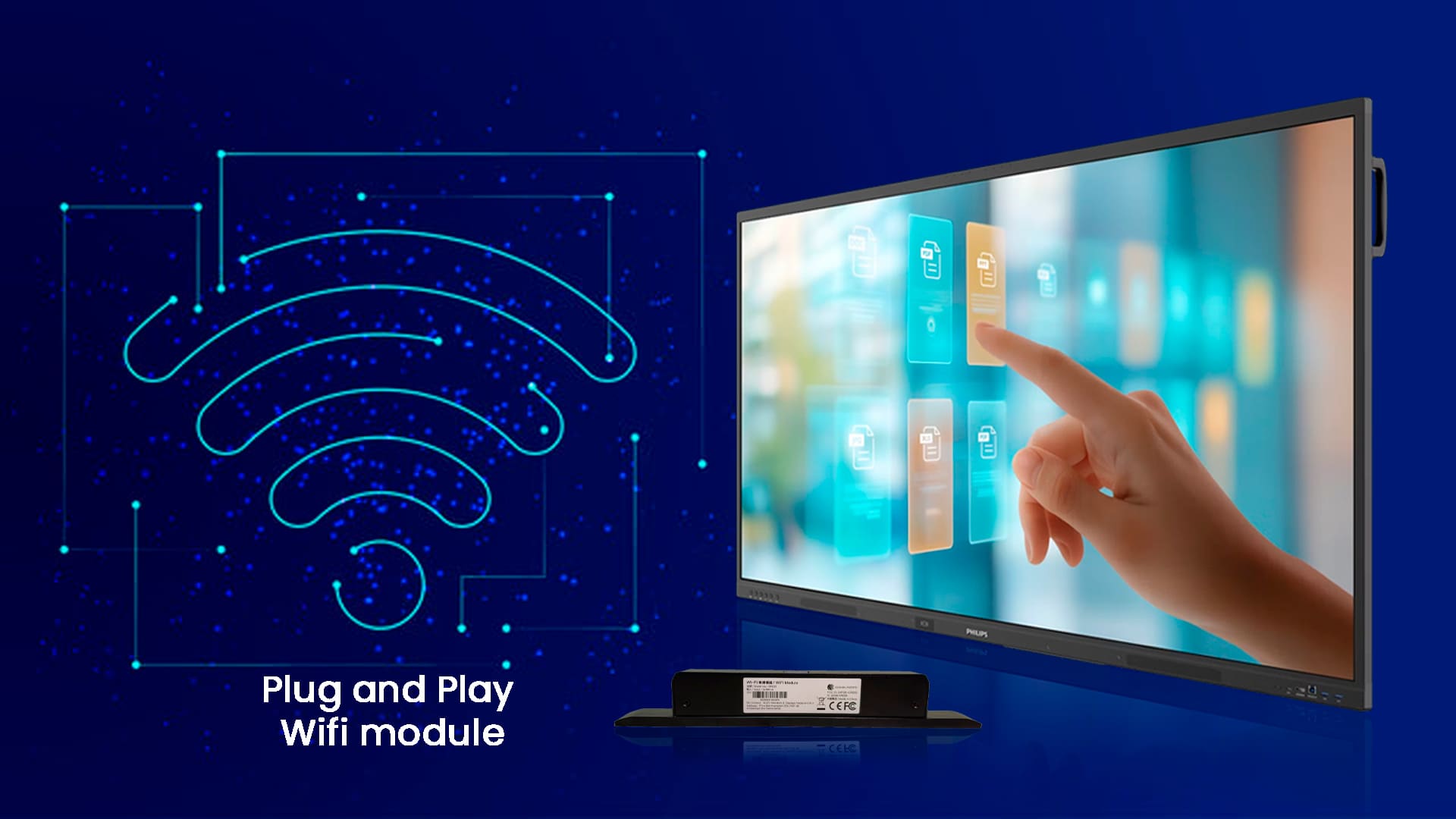
Plug and Play Wifi module
Easily connect your PC to your Philips Professional Display using the Play and plug PC slot. It provides all the necessary connections you need to run your slot-in solution, including a power supply.
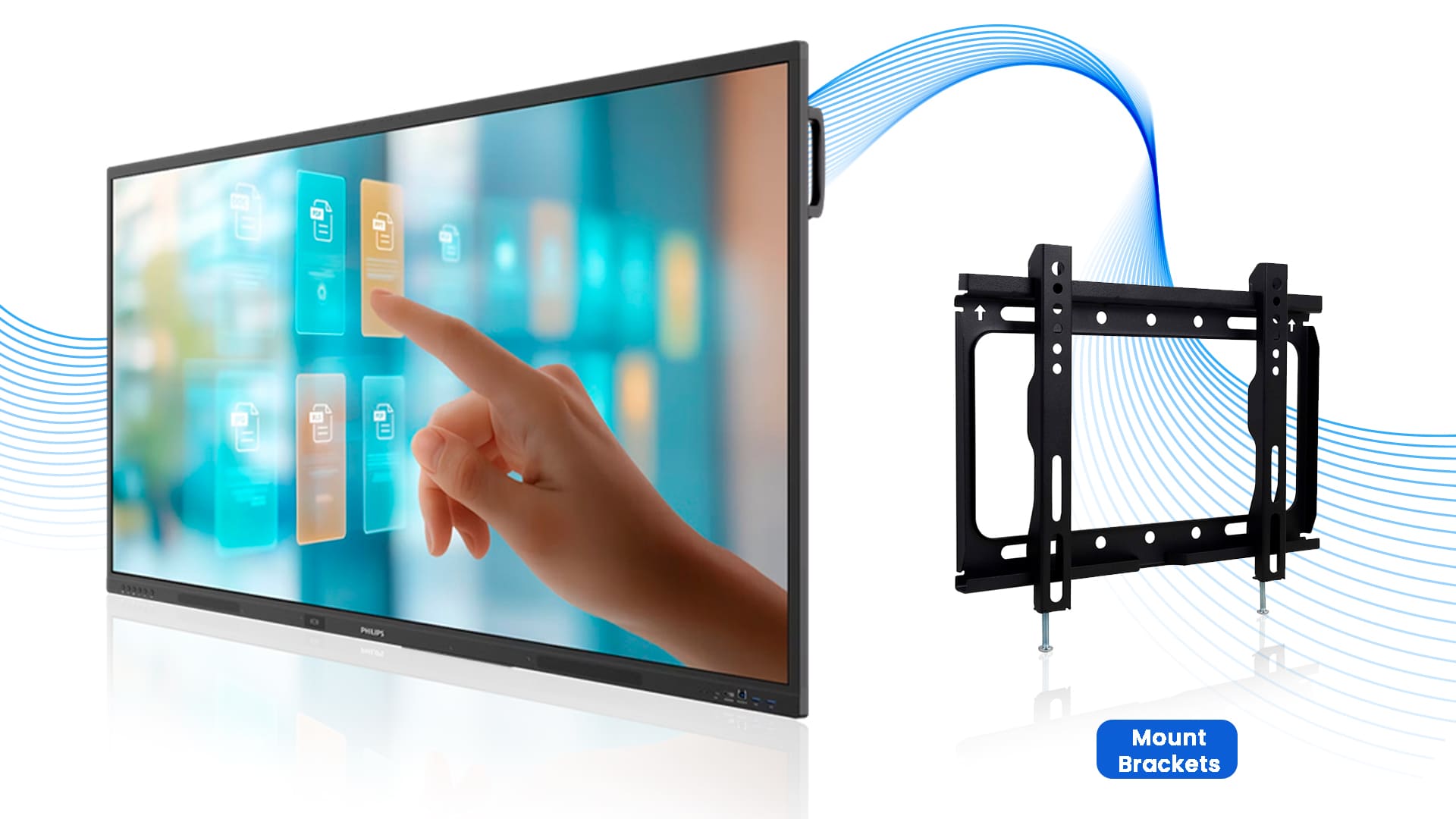
Easy to Mount Brackets
The interactive screen can be mounted neatly on the wall without requiring any extra stands, cables, or devices. This keeps the classrooms, meeting rooms, and halls organized and modern. These brackets are strong and secure, ensuring the display won’t move when multiple people touch the screen simultaneously.
Wireless presentations
Share content directly from any device with Philips ScreenShare. Supports AirPlay, Google Cast, and Miracast for seamless screen mirroring. Moreover, the palm rejection & tip-size recognition feature of the 65’’ Philips interactive display enhances precision with the ability to rest your palm naturally while writing or sketching.

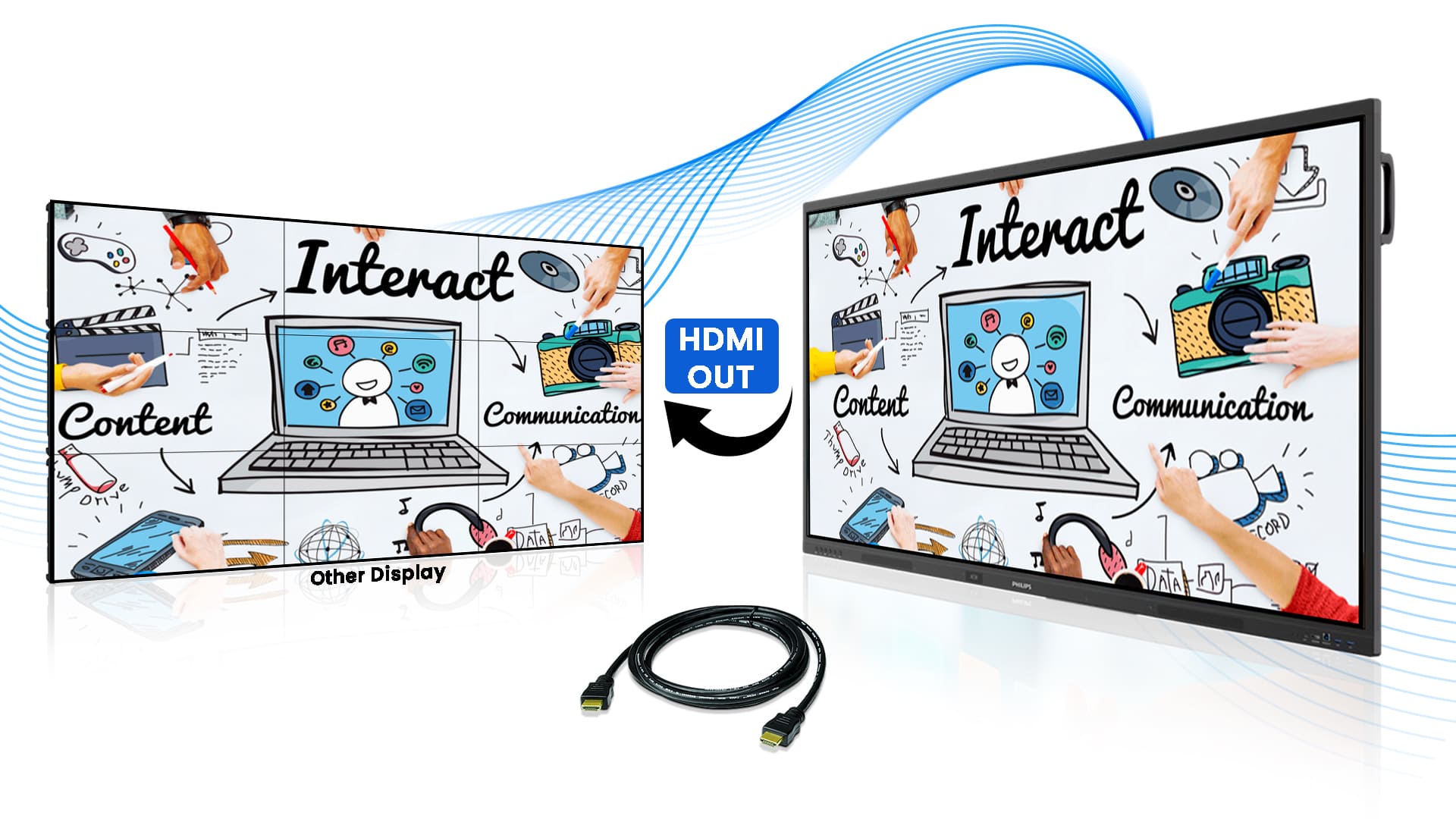
HDMI Out
HDMI out allows sharing the same content on multiple screens. It’s perfect for large rooms or events, ensuring clear video and smooth sound even when shared across multiple screens.
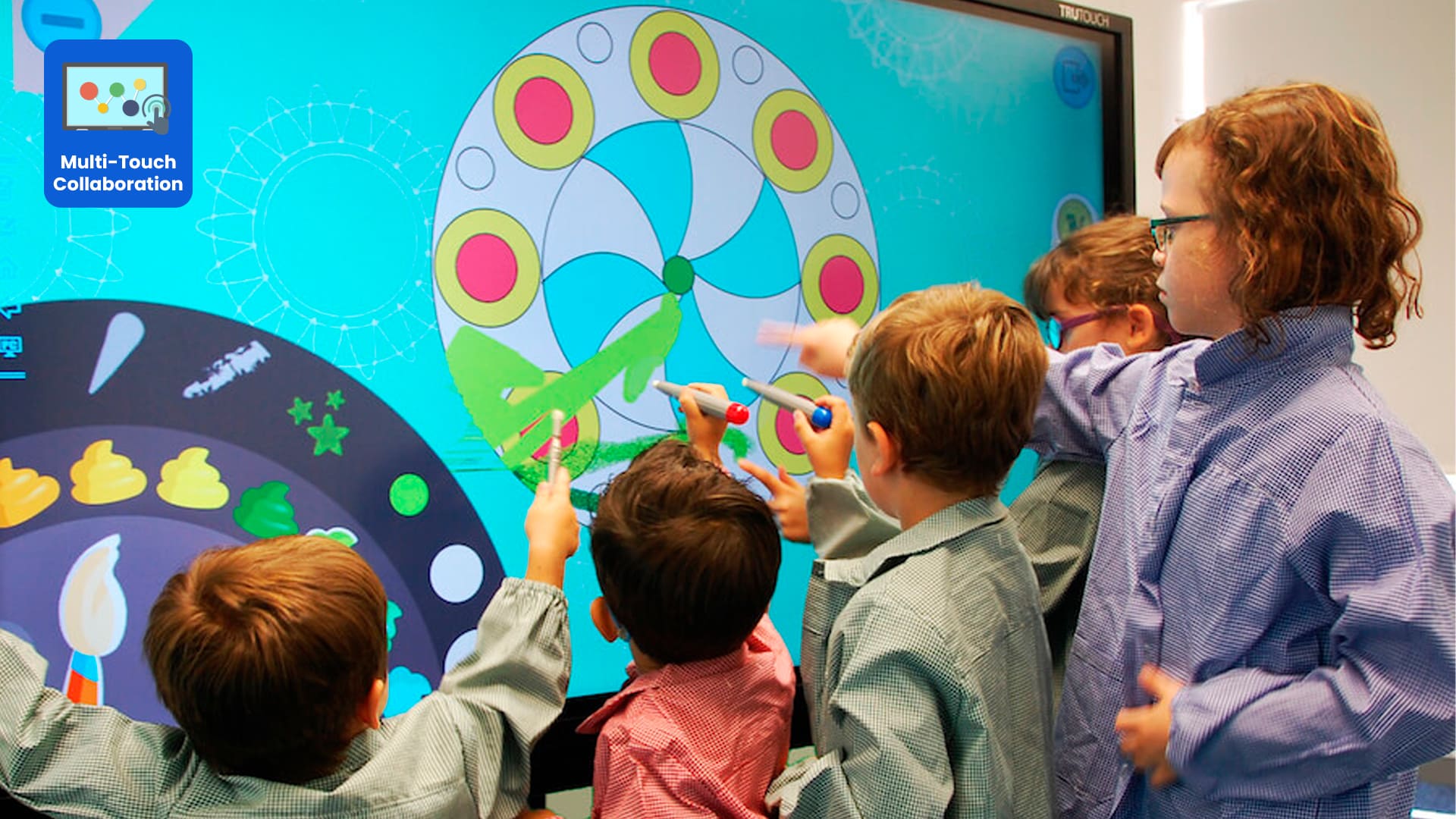
Up to 50 Simultaneous Touch Points
The interactive display offers a natural writing experience with 50 touch points, allowing multiple users to write, draw, and add notes on the screen at the same time. Eliminate the need for markers and manual boards.
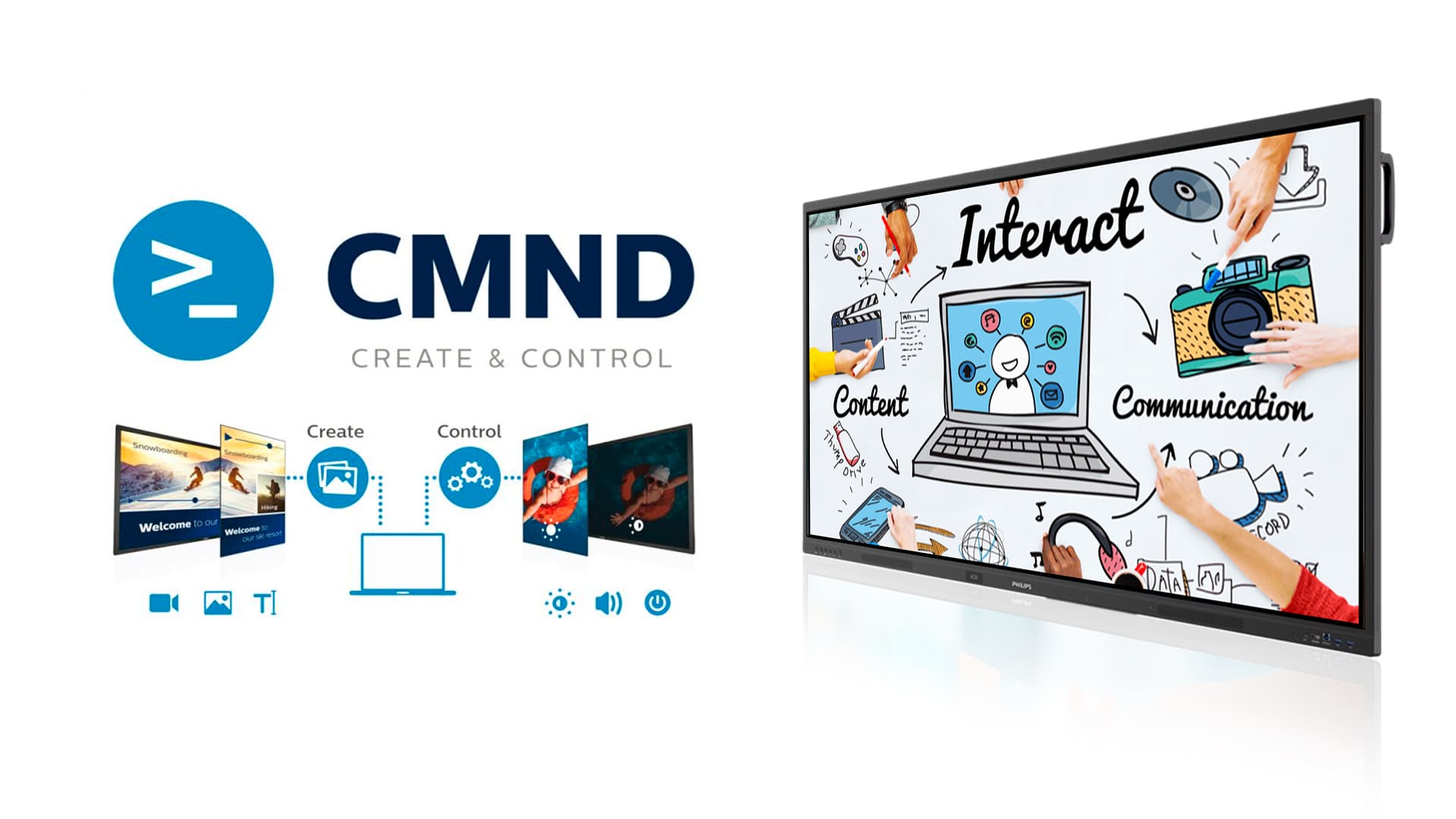
Remote Display Management (CMND)
The CMND system enables remote content management of multiple displays simultaneously. It is ideal for schools and offices, reducing IT workload by enabling centralized control.
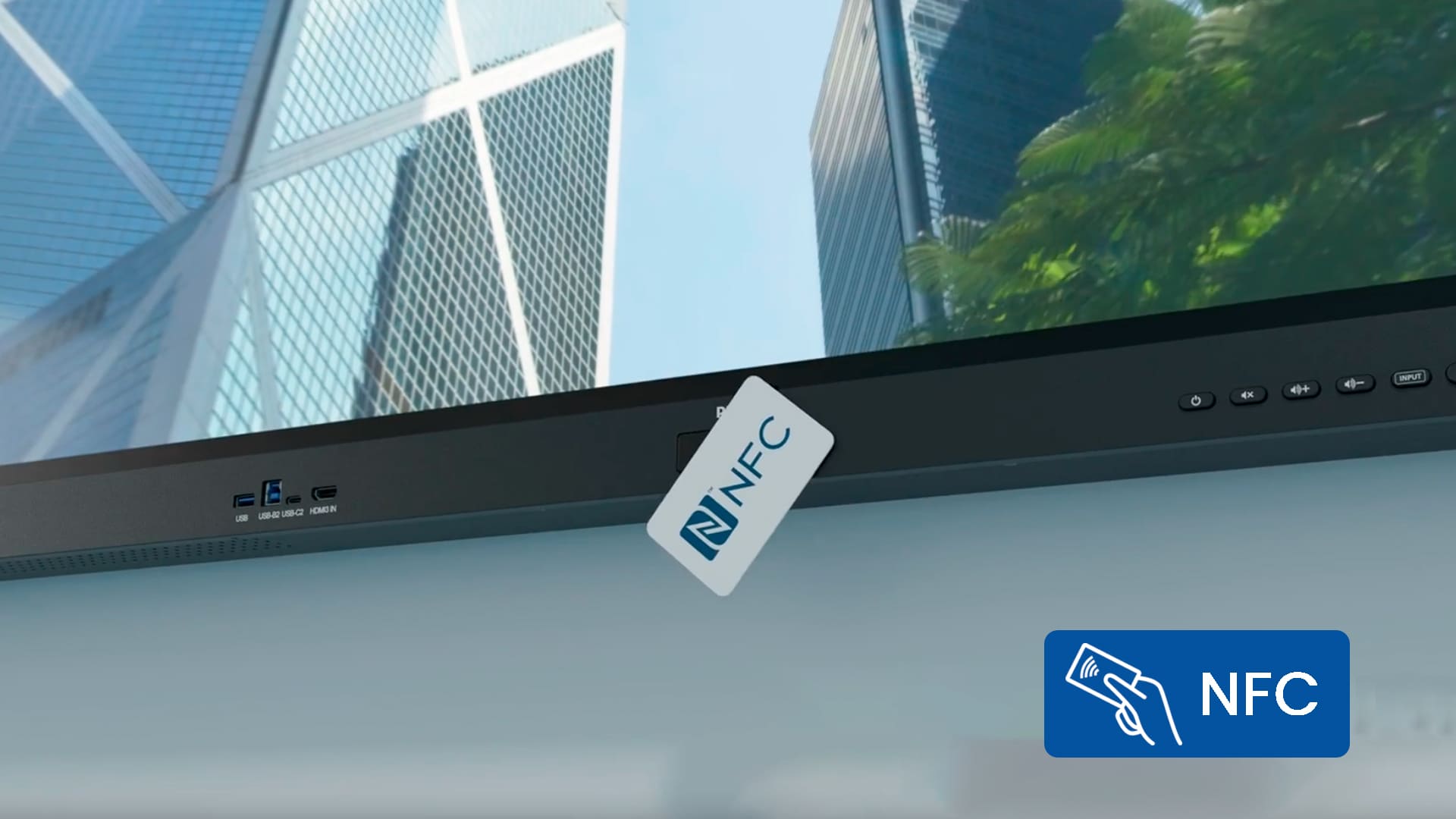
NFC Technology
NFC technology allows fast and secure contactless payments. Simply log in and tap the NFC-enabled card to complete payments effortlessly.
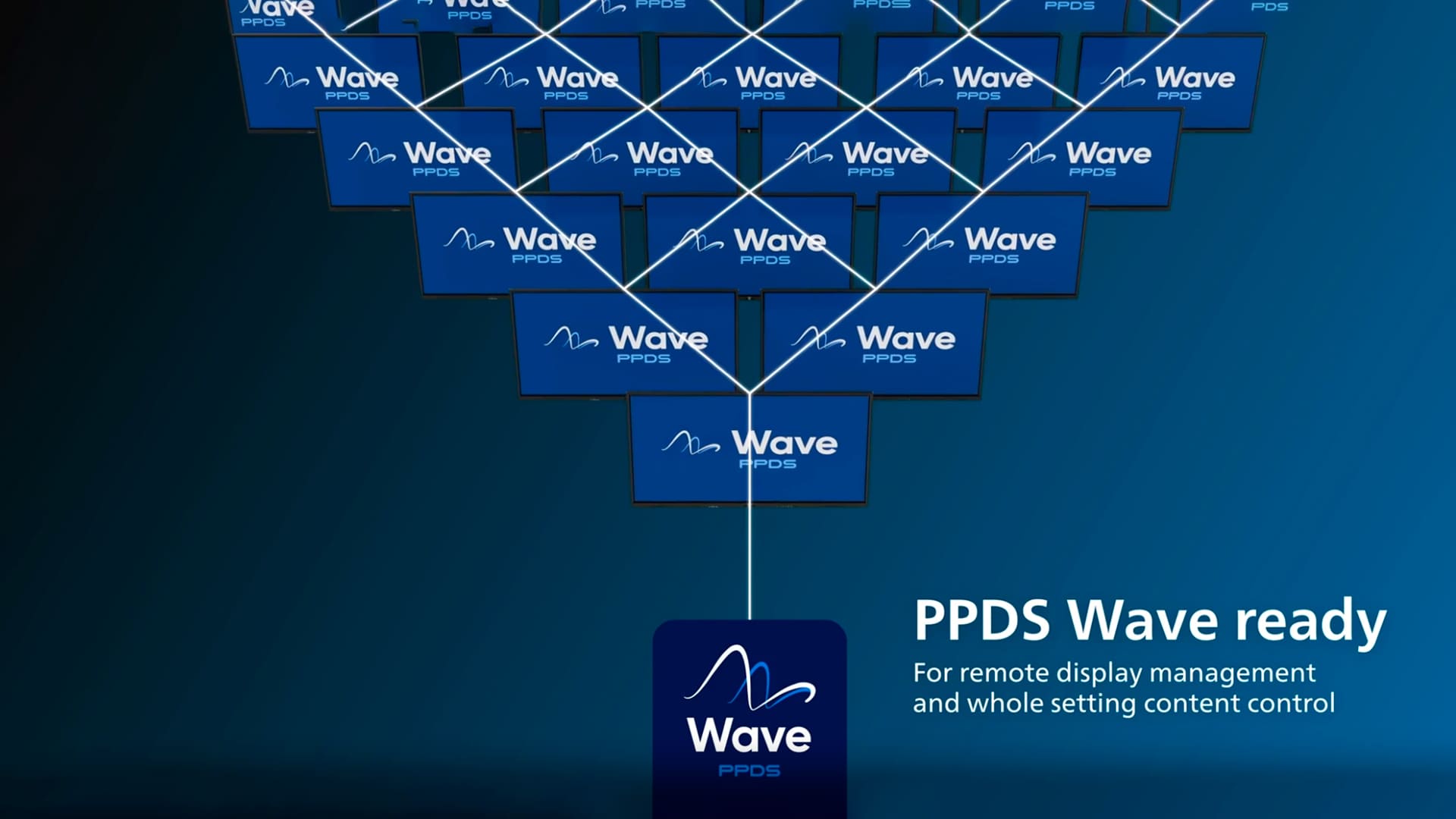
PPDS Wave ready
Manage and monitor your display remotely, update firmware, and schedule power usage from anywhere via the cloud.
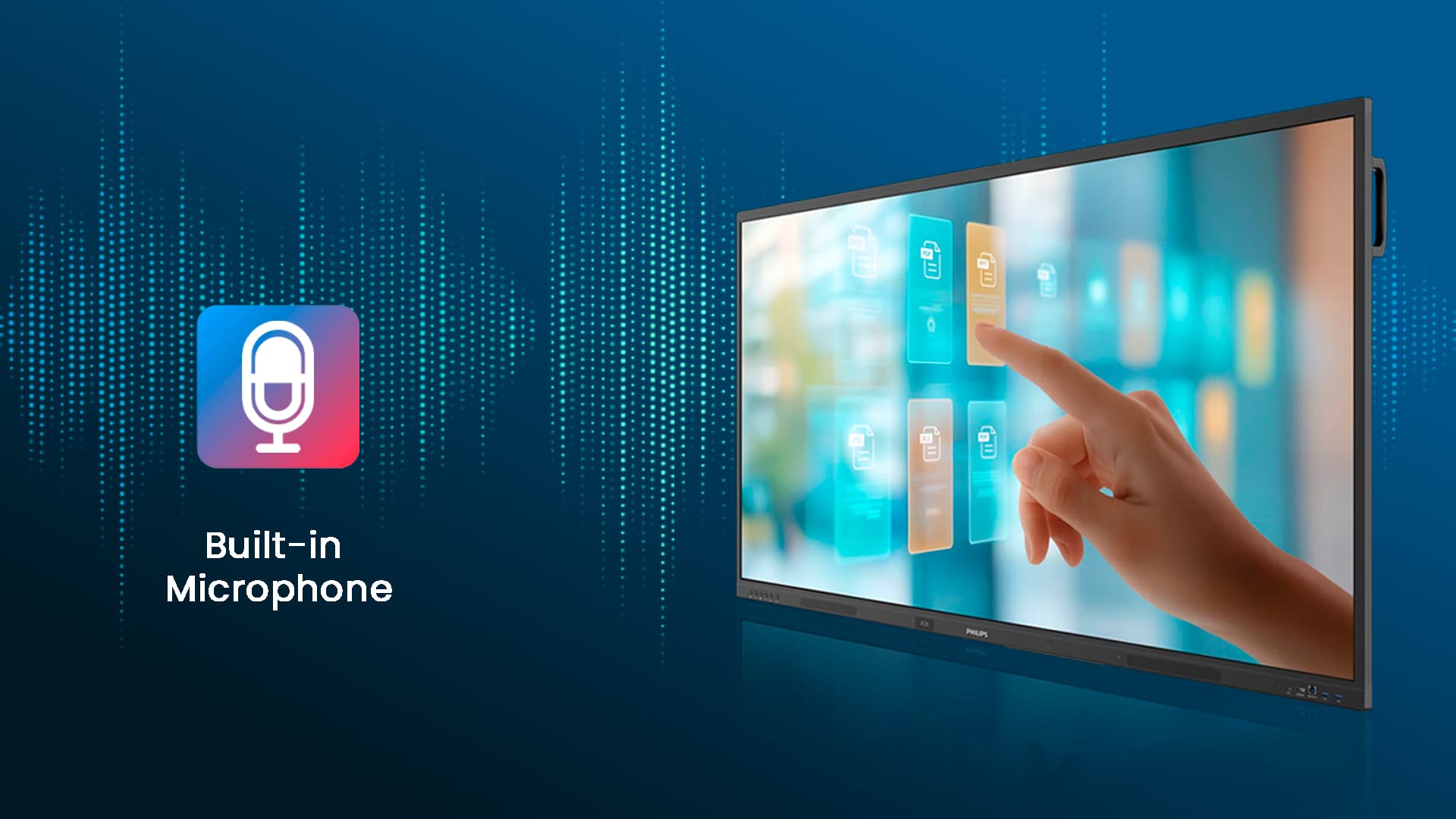
Built-in Microphone
The display comes with a built-in microphone, ensuring everyone is heard clearly during meetings and presentations without the need for external microphones.
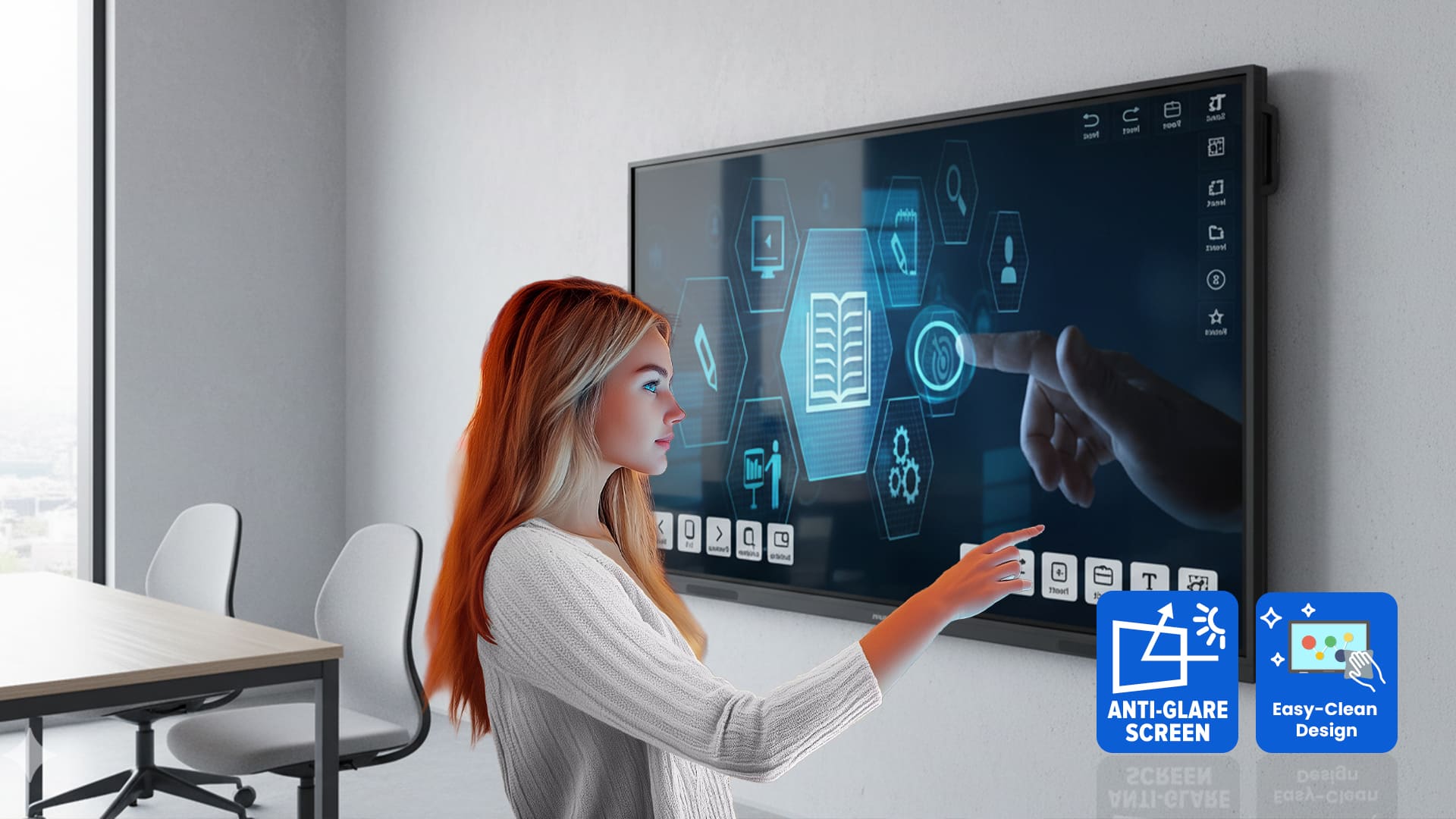
Anti-glare & Anti-reflection
7H hardness glass reduces reflections and ensures durability in busy environments. The anti-fingerprint coating keeps the screen clean and user-friendly.
Three-year warranty
Each display comes with a three-year standard warranty for reliable, worry-free protection and peace of mind from day one. However, if the screen stays on the same image for a long time, it may develop permanent marks that aren’t covered under warranty.
Specifications
65"
Display
ADS
Panel Type
Android 14
Operating System
3840 × 2160
Resolution
| Display | |
|---|---|
| Size | 65 inch (165 cm) |
| Resolution | 4K UHD (3840 × 2160 @ 60 Hz) |
| Brightness | 400 cd/m² |
| Contrast Ratio | 1200:1 (typ.), 500,000:1 (dynamic) |
| Viewing Angle | 178° / 178° |
| Panel Technology | ADS |
| Touch | 50-point Infrared touch, 0-gap design |
| Glass | Anti-glare, 7MOHS tempered safety glass, blue-light filter |
| Internal System | |
| Operating System | Android 14 |
| CPU | 4×A73 + 4×A53 |
| GPU | Mali-G52 |
| RAM | 8 GB |
| Internal Storage | 128 GB eMMC |
| Wi-Fi | 2.4 / 5 / 6 GHz (2T2R) |
| Bluetooth | 5.2 BLE |
| Built-in Microphone | Yes |
| Connectivity | |
| Video Inputs |
HDMI 2.0 × 3 USB-C (65W) USB 3.0 × 4 USB-B × 2 OPS Slot |
| Outputs |
HDMI 2.0 × 1 VGA SPDIF 3.5 mm audio out |
| Control |
RS232 (in/out) LAN × 2 IR loopthrough |
| Audio | |
| Speakers | 2 × 20 W (40 W total) |
| Power | |
| Typical Consumption | 115 W |
| Standby | < 0.5 W |
| Power Saving | Smart Power |
| Dimensions | |
| Size (W × H × D) | 1488 × 907.5 × 97.3 mm |
| Weight | 28.44 kg (without stand) |
| VESA Mount | 600 × 400 mm |
| Durability & Conditions | |
| MTBF | 50,000 hours |
| Operating Temperature | 0 – 40 °C |
| Humidity | 10–90% (non-condensing) |
| Supported Playback | |
| Video | H.263, H.264, H.265, MPEG1/2/4, VP8, VP9 |
| Image | JPEG, PNG, BMP, WEBP |
| Audio | AAC, HEAAC, MPEG |
| Accessories Included | |
| Items |
Remote + batteries USB A-B cable (3m) AC power cable Touch pens × 2 Cleaning cloth Quick start guide |
| Warranty | |
| Warranty | 3 year |
FAQs
What Makes Philips 65’’ Interactive Display Better Than a Normal Screen?
Unlike regular displays, this interactive screen supports 50 touch points. It supports wireless screen sharing, Android apps, and real-time collaboration. These features make it ideal for classrooms, meetings, and presentations.
Can Multiple People Write or Interact on This Screen at the Same Time?
Yes. The display supports up to 50 touch points, allowing multiple users to write, draw, or interact simultaneously. Hence it makes group discussions and classroom activities more engaging.
Does The Display Support Wireless Screen Sharing?
Absolutely. You can share screens wirelessly using AirPlay, Google Cast, or Miracast. So, users can present directly from laptops, tablets, or smartphones without cables.
Do I Need an External PC To Run the Display?
Not necessarily. The display runs on Android 14, allowing you to install apps directly. However, if needed, you can integrate a PC using the built-in OPS slot without messy cables.
Is The Screen Durable for Daily Classroom or Office Use?
Yes. The screen comes with 7H hardness anti-glare glass, anti-fingerprint coating, and durable construction making it ideal for daily use. Yes, specifically for schools and offices.
Can The Display Be Managed Remotely Across Multiple Locations?
Yes. Using CMND & PPDS Wave cloud management, IT teams can remotely control displays. They can even update software, and manage content across multiple sites easily.
Does The Display Include Built-In Audio and Microphone Support?
Yes. The display includes a built-in microphone, making online meetings and presentations clearer. Hence, you don’t need extra struggle with Philips interactive screen.