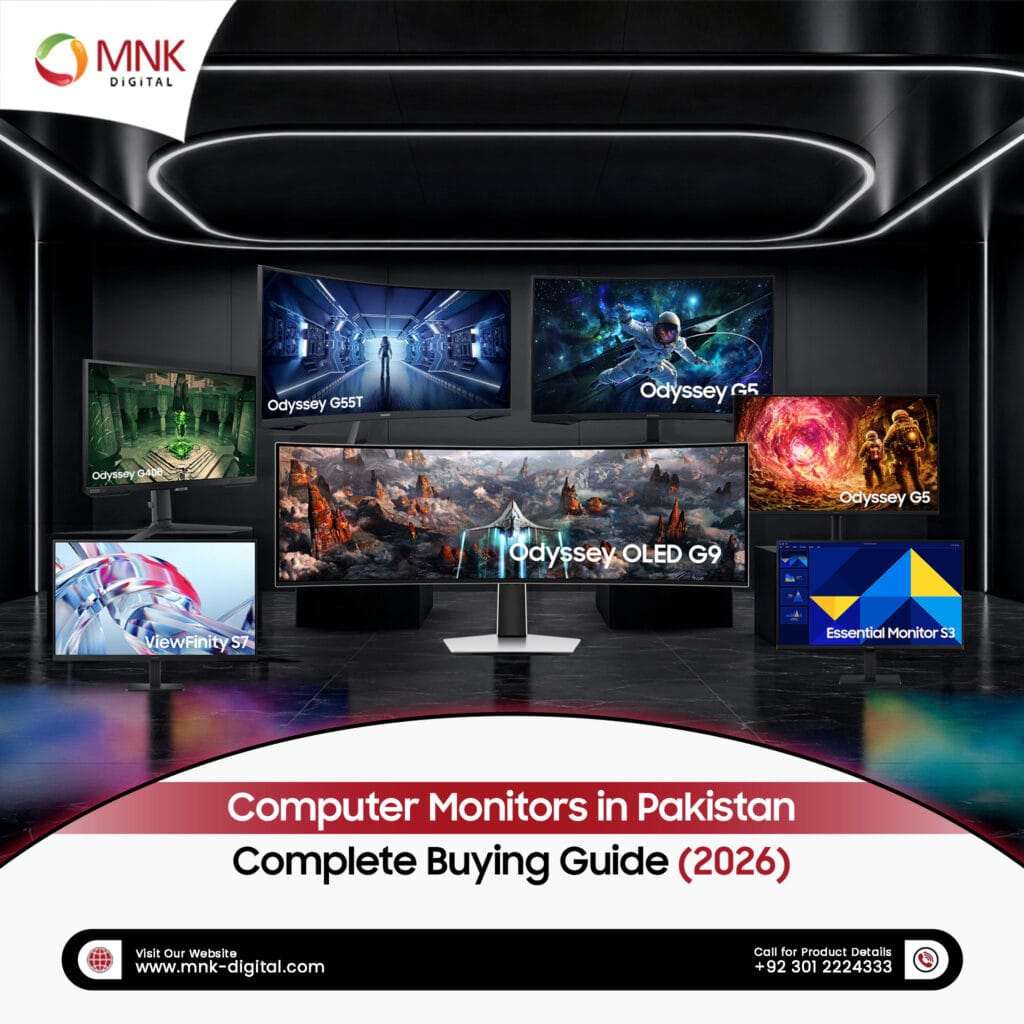
Whether you are working from an office, studying at a university, creating digital content, or enjoying your favorite games, a quality Computer Monitor can significantly improve your overall experience. Modern monitors offer sharper visuals, better color accuracy, faster refresh rates, and larger displays that help users stay productive and comfortable throughout the day.
With so many models available, choosing the right computer monitor can feel overwhelming. Screen sizes, display technologies, resolutions, refresh rates, and connectivity options all play an important role in determining which monitor best suits your needs. This comprehensive guide explains everything you need to know before purchasing a computer monitor in Pakistan. Whether you are looking for a monitor for your office, classroom, design studio, gaming setup, or meeting room, you will learn how to select the right display for your requirements.
At MNK Digital, we provide genuine Samsung computer monitors designed for businesses, educational institutions, government organizations, healthcare facilities, and commercial environments across Pakistan. Our goal is to help customers choose reliable display solutions that deliver long-term value and performance.
What is a Computer Monitor?
A computer monitor is an output device that displays text, images, videos, applications, and other visual information generated by a computer. It serves as the primary interface between users and their systems, making it one of the most important components of any desktop setup. Modern computer monitors have evolved far beyond simple display screens. Today’s monitors offer Ultra HD resolutions, vibrant color reproduction, ergonomic designs, high refresh rates, and advanced connectivity options that support both professional and personal use.
Businesses rely on computer monitors for daily operations, while schools and universities use them for teaching and digital learning. Designers require color-accurate displays for creative projects, and gamers benefit from smooth visuals and low response times. Choosing the right monitor directly impacts productivity, comfort, and overall user experience.
Why Choosing the Right Computer Monitor Matters?
Many buyers focus primarily on processor specifications when purchasing a computer, but the monitor deserves equal attention. Since users spend hours looking at the screen every day, selecting the right display improves comfort, efficiency, and long-term performance.
A high-quality monitor provides:
- Sharper text for comfortable reading
- Accurate colors for professional work
- Reduced eye strain during extended usage
- Improved multitasking with larger displays
- Better collaboration during meetings and presentations
- Enhanced gaming and entertainment experiences
Investing in the right monitor today can improve productivity for many years while reducing the need for frequent upgrades.
Types of Computer Monitors Available at MNK Digital
Different users have different requirements. A designer may prioritize color accuracy, while a financial analyst may require multiple large displays for multitasking. At MNK Digital, we offer a range of Samsung computer monitors designed to meet the needs of various industries and professionals.
Ultra Wide Curved Monitors
Ultra Wide Curved Monitors provide a wider viewing area that allows users to work with multiple applications simultaneously without switching between windows. Their immersive curved design improves focus and creates a more comfortable viewing experience.
These monitors are ideal for:
- Financial institutions
- Control rooms
- Video editing
- Engineering firms
- Data analysis
- Professional multitasking
Explore our collection of Ultra Wide Curved Monitors to discover displays designed for demanding professional environments.
Gaming Monitors
Competitive gaming requires smooth performance and quick response times. Samsung Gaming Monitors are designed with high refresh rates, low input lag, and advanced display technologies that deliver fluid gameplay and vibrant visuals.
These monitors are suitable for:
- Professional gamers
- Esports players
- Content creators
- Streaming setups
- High-performance PCs
Browse our latest range of Gaming Monitors for immersive gaming experiences.
High Resolution Monitors
Professionals who work with detailed images, CAD drawings, spreadsheets, or video editing software benefit from high-resolution displays. These monitors provide exceptional clarity, allowing users to view more content with greater precision.
They are commonly used by:
- Graphic designers
- Architects
- Video editors
- Engineers
- Medical professionals
- Corporate offices
Discover our range of High Resolution Monitors designed for professional productivity.
Smart Monitors
Smart Monitors combine the functionality of a traditional computer monitor with built-in smart features. They allow users to access productivity applications, streaming platforms, and cloud services without relying entirely on a connected PC.
Smart Monitors are ideal for:
- Home offices
- Hybrid work environments
- Small businesses
- Remote learning
- Personal entertainment
Learn more about our Smart Monitors for flexible work and entertainment.
Mainstream Monitors
Mainstream Monitors are excellent choices for everyday computing. They offer reliable performance, energy efficiency, and excellent image quality, making them suitable for businesses, schools, reception areas, and home users.
These monitors are perfect for:
- Office work
- Educational institutions
- Banks
- Reception desks
- Retail stores
- General business applications
Explore our complete collection of Mainstream Monitors for dependable everyday performance.
Computer Monitor Comparison
| Monitor Type | Best For | Recommended Users |
|---|---|---|
| Ultra Wide Curved Monitor | Multitasking & Productivity | Finance, Engineering, Control Rooms |
| Gaming Monitor | Fast Performance | Gamers & Streamers |
| High Resolution Monitor | Professional Accuracy | Designers, Architects & Editors |
| Smart Monitor | Hybrid Work | Home Offices & Remote Workers |
| Mainstream Monitor | Daily Computing | Businesses, Schools & Students |
Each monitor category is designed to solve different challenges. Understanding your daily workflow will help you choose a display that delivers the best long-term value.
How to Choose the Right Computer Monitor
Selecting the right computer monitor involves more than choosing the biggest screen. Your daily tasks, workspace, viewing distance, and performance requirements should all influence your decision. Whether you are purchasing a single monitor for your home office or multiple displays for a business, understanding the key specifications will help you make a smarter investment.
1. Choose the Right Screen Size
Screen size directly affects productivity and viewing comfort. Larger displays provide more workspace, while compact monitors are ideal for limited desk space.
| Screen Size | Recommended For | Typical Users |
|---|---|---|
| 19″ | Basic Computing | Reception & Cash Counters |
| 22″ | Home & Student Use | Students |
| 24″ | Office Productivity | Businesses & Government Offices |
| 27″ | Professional Work | Designers & Engineers |
| 32″ | Creative Applications | Video Editors & Professionals |
| 34″ | Multitasking | Financial Analysts & Developers |
| 43″ | Presentations | Meeting Rooms & Training Centers |
| 49″ | Ultra-Wide Productivity | Control Rooms & Trading Floors |
If your work involves using multiple applications simultaneously, larger displays such as 32″, 34″, 43″, and 49″ monitors can improve productivity by reducing the need for dual-monitor setups.
2. Select the Right Resolution
Resolution determines the amount of detail displayed on your screen. Higher resolutions produce sharper text, clearer images, and a better overall viewing experience.
| Resolution | Image Quality | Best For |
|---|---|---|
| HD (1366 × 768) | Basic | Entry-Level Computing |
| Full HD (1920 × 1080) | Excellent | Office Work & Education |
| QHD (2560 × 1440) | Very Sharp | Professional Productivity |
| 4K UHD (3840 × 2160) | Ultra Clear | Design, Engineering & Content Creation |
For most businesses and educational institutions, Full HD provides excellent performance. Creative professionals and organizations that require exceptional detail should consider 4K displays.
3. Understand Refresh Rate
The refresh rate refers to how many times the screen updates each second and is measured in Hertz (Hz). A higher refresh rate produces smoother motion and a more responsive viewing experience.
- 60Hz – Everyday office work, web browsing and education.
- 75Hz – Improved scrolling and smoother productivity.
- 120Hz & Above – Gaming, animation and fast-moving content.
If you’re looking for high-performance displays, explore our collection of Gaming Monitors, designed to deliver smooth visuals and responsive gameplay.
4. Response Time
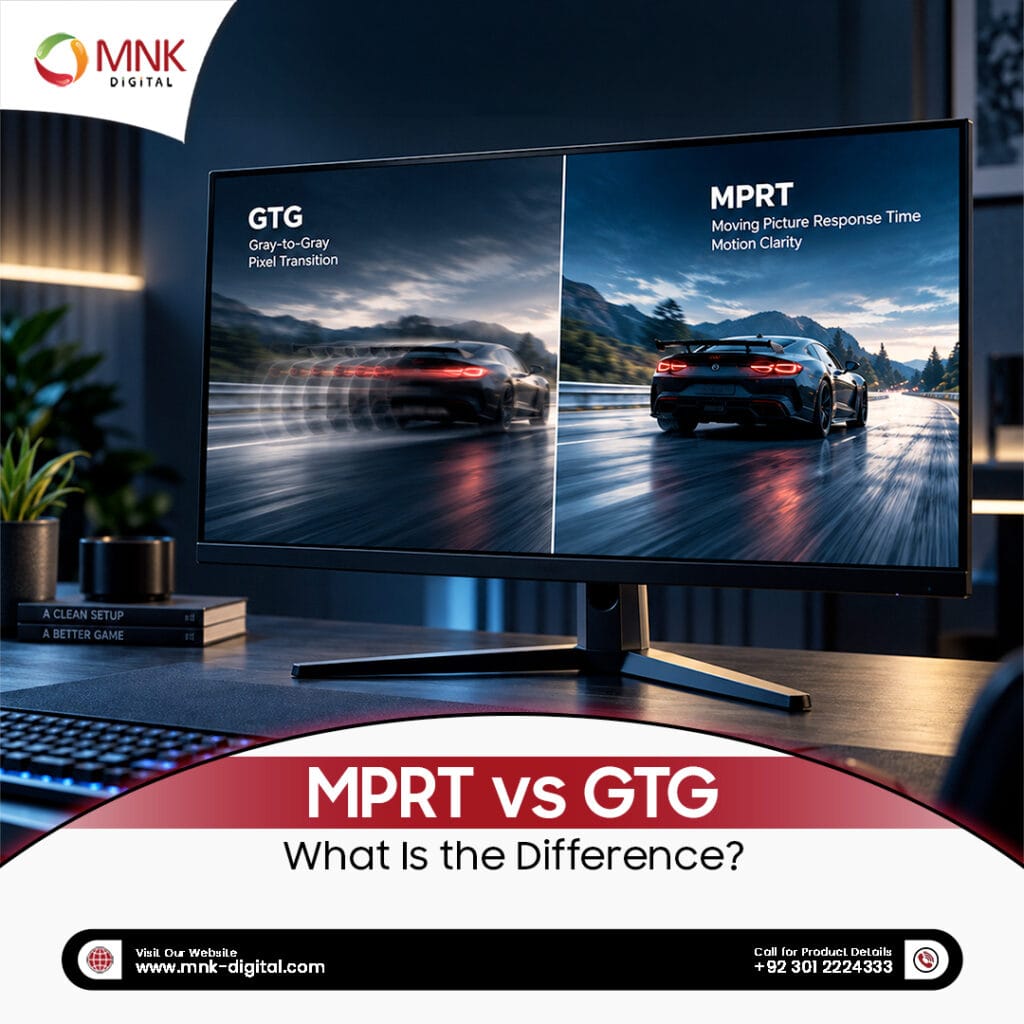
Response time measures how quickly pixels change from one color to another. Lower response times help reduce motion blur and ghosting, making them especially valuable for gaming, video editing, and fast-paced applications.
For general office work, standard response times perform well. However, users who require faster performance should consider gaming-focused displays with lower response times.
5. Color Accuracy
Professionals working with photography, graphic design, branding, architecture, and video production depend on accurate color reproduction. A monitor capable of displaying consistent and vibrant colors helps ensure projects appear as intended across different devices.
For creative professionals, our range of High Resolution Monitors provides exceptional image clarity for detailed work.
6. Connectivity Options
Modern computer monitors support multiple connection types, allowing users to connect laptops, desktop computers, media players, and other devices.
Common connectivity options include:
- HDMI
- DisplayPort
- USB-C
- USB Hub
- Audio Output
Before purchasing a monitor, verify that it supports the connection ports available on your computer and other devices.
IPS vs VA Panels
Many buyers compare IPS and VA panels before purchasing a monitor. Both technologies have their own advantages depending on how the monitor will be used.
| Feature | IPS Panel | VA Panel |
|---|---|---|
| Color Accuracy | Excellent | Very Good |
| Viewing Angles | Wider | Good |
| Contrast Ratio | Good | Excellent |
| Professional Design | Recommended | Suitable |
| Office Work | Excellent | Excellent |
| Entertainment | Very Good | Excellent |
Both panel technologies offer excellent performance. Your choice should depend on your daily workflow rather than technical specifications alone.
Which Computer Monitor is Right for You?
Different users have different requirements. Choosing the right monitor becomes easier when you match the display to your daily tasks.
| Your Requirement | Recommended Monitor |
|---|---|
| Office Work | Mainstream Monitor |
| Gaming | Gaming Monitor |
| Graphic Design | High Resolution Monitor |
| Video Editing | High Resolution Monitor |
| Remote Work | Smart Monitor |
| Financial Trading | Ultra Wide Curved Monitor |
| Control Rooms | Ultra Wide Curved Monitor |
| Education | Mainstream Monitor |
Choosing a monitor based on your work requirements rather than price alone will provide better performance, improved comfort, and greater long-term value.
Why Choose Samsung Computer Monitors?
Samsung is one of the world’s leading display manufacturers, recognized for developing innovative monitor technologies that combine performance, reliability, and modern design. Whether you are equipping a corporate office, educational institution, creative studio, or gaming setup, Samsung offers monitor solutions that meet a wide range of professional and personal requirements. Many Samsung computer monitors feature high-resolution displays, ergonomic stands, eye comfort technologies, and energy-efficient performance. Their consistent image quality and long operational lifespan make them a preferred choice for organizations seeking dependable display solutions.
Industries that Use Computer Monitors
Computer monitors are no longer limited to office desks. Today, they support operations across nearly every industry by improving communication, productivity, and workflow efficiency.
- Corporate Offices
- Educational Institutions
- Government Organizations
- Healthcare Facilities
- Banks & Financial Institutions
- Retail Stores
- Call Centers
- Engineering Firms
- Architectural Companies
- Security & Control Rooms
- Hospitality Businesses
- Content Creation Studios
Each industry has unique display requirements, which is why selecting the right monitor category is essential for long-term productivity.
Common Mistakes to Avoid When Buying a Computer Monitor
Many buyers focus only on price, overlooking features that significantly impact daily performance. Avoiding these common mistakes can help you choose a monitor that meets your needs today and remains useful for years to come.
- Choosing a screen size that doesn’t suit your workspace.
- Buying a low resolution monitor for professional applications.
- Ignoring available connectivity options.
- Selecting a gaming monitor for basic office tasks.
- Overlooking ergonomic adjustments for long working hours.
- Purchasing without considering warranty and after-sales support.
- Not matching the monitor to your daily workflow.
Taking time to evaluate your requirements before making a purchase can save both money and future upgrade costs.
Why Buy Computer Monitors from MNK Digital?
Choosing the right supplier is just as important as selecting the right monitor. At MNK Digital, we help organizations across Pakistan identify display solutions that match their operational requirements and budget.
Our customers benefit from:
- Genuine Samsung computer monitors
- 3 Years offical warranty
- Professional product consultation
- Solutions for offices, schools, universities, healthcare, and government organizations
- Nationwide delivery across Pakistan
- Installation guidance and technical support
- Manufacturer-backed warranty
- Reliable after-sales service
Whether you are purchasing a single monitor or planning a large-scale deployment, our team can recommend solutions tailored to your business needs.
Why Businesses Across Pakistan Choose MNK Digital
MNK Digital is an Authorized Dealer of Samsung & Philips. We are a trusted AV Solutions Provider in Pakistan, delivering professional display technologies for businesses, educational institutions, healthcare organizations, retail environments, hospitality, and government sectors.
Our portfolio includes:
- Interactive Flat Panels
- Digital Signage Displays
- LED Video Walls
- Indoor & Outdoor SMD Screens
- COB LED Displays
- Hospitality TVs
Whether you are upgrading a meeting room, deploying digital signage across multiple locations, designing a control room, or selecting monitors for an office environment, our experienced team helps you choose solutions that deliver long-term value.
Frequently Asked Questions
What is the best computer monitor for office work?
Mainstream monitors with Full HD resolution are an excellent choice for everyday office tasks such as email, spreadsheets, presentations, and web browsing.
Which computer monitor is best for graphic designers?
Professionals working with creative applications should choose high-resolution monitors that provide sharp images and accurate color reproduction.
Is a curved monitor better than a flat monitor?
Curved monitors offer a wider field of view and are particularly useful for multitasking, financial analysis, engineering, and immersive gaming experiences.
What is the difference between Full HD and 4K?
4K monitors display four times more detail than Full HD, making them ideal for design, engineering, video editing, and other detail-oriented work.
Are Samsung computer monitors reliable?
Samsung monitors are widely recognized for their display quality, innovative features, and long-term reliability across both business and consumer environments.
Which monitor is best for multitasking?
Ultra Wide Curved Monitors provide additional screen space that allows users to work with multiple applications simultaneously without needing a dual-monitor setup.
Where can I buy genuine Samsung computer monitors in Pakistan?
You can purchase genuine Samsung computer monitors from MNK Digital, where you’ll receive professional guidance, manufacturer-backed products, and dependable after-sales support.