Buying an LED screen involves more than choosing a brand and deciding how large it should be. A display that works well inside a showroom may be unsuitable for a roadside billboard. A screen that looks impressive playing colourful videos may struggle to show small text clearly. If you are considering a Unilumin SMD Screen in Pakistan, start with three questions: Where will it be installed? How close will people stand? What will you display? These answers help determine the right screen type, pixel pitch, brightness and installation plan. This guide explains the main features, common applications and practical checks to make before placing an order.
What Is a Unilumin SMD Screen?
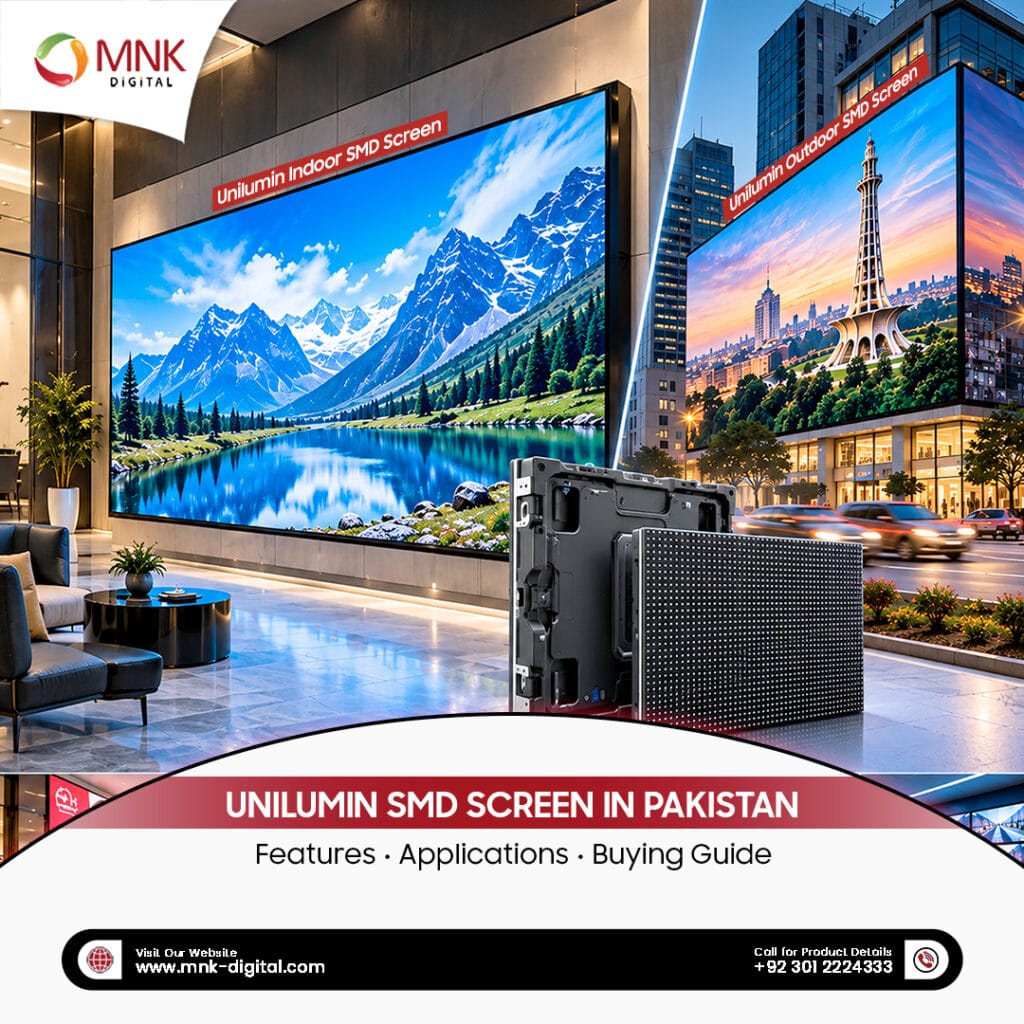
An SMD screen is a direct-view LED display built from modules containing surface-mounted LEDs. In common full-colour SMD displays, red, green and blue LEDs are combined within a package to produce the colours you see on screen. Modules fit into cabinets, which join together to create the complete display. This construction allows businesses to build screens in different sizes rather than choosing only from standard television dimensions.
Unilumin manufactures LED displays for indoor and outdoor applications. Its UsurfaceIII specifications, for example, document outdoor models using 3-in-1 SMD LEDs. However, specifications differ between models and configurations, so the brand name alone does not tell you what a particular screen can deliver.
Always request the exact model number and its current technical datasheet. You can also explore MNK Digital’s indoor and outdoor SMD Screens to understand the main display categories.
Also Read: SMD Screen Pixel Pitch Explained: P1.2, P1.5, P2.5, P3, P4 & P5
Features That Matter When Choosing a Screen
Pixel Pitch and Image Detail
Pixel pitch is the distance between the centres of neighbouring pixels, measured in millimetres. A P2 display has a pixel pitch of approximately 2 mm. At the same physical screen size, a smaller pixel pitch provides more pixels. This helps when showing detailed graphics, spreadsheets or text to people sitting close to the display. A larger pitch may be suitable when the audience watches from farther away. Paying for the smallest available pitch does not automatically give your project better value.
A Practical Viewing Test
Ask to view your own content on the proposed screen from the nearest expected viewing position. A product demonstration becomes much more useful when it includes your presentation slides or advertising artwork.
Brightness and Viewing Comfort
Brightness is usually stated in nits. Outdoor displays need sufficient brightness to remain readable in daylight, while indoor screens need settings that suit the room. Unilumin’s UslimIII O product page lists brightness of 5,000–7,000 nits for its SMD version. That is a specification for that product, not a figure that applies to every Unilumin screen. For an outdoor installation, discuss how brightness will be adjusted after dark. Indoors, check whether white backgrounds remain comfortable to look at during a long meeting.
Colour Consistency and Screen Alignment
A large display should look consistent across its surface. Differences between modules can become distracting, particularly when displaying a plain background or a company logo. During a demonstration, look for visible cabinet joins, uneven colours and unusually bright or dark sections. Ask whether calibration is included during commissioning and how replacement modules will be matched later.
Access for Maintenance
Maintenance access affects where the screen can be installed and how easily it can be repaired. A front-service design allows access from the viewing side. Rear-service displays require suitable working space behind them. Certain Unilumin products support both approaches, including configurations documented for UsurfaceIII. Confirm the arrangement for the exact model quoted. A display mounted against a wall needs a service plan that works after installation.
Where Can Businesses Use Unilumin SMD Screens?
Shops and Shopping Malls
Retail displays can show product launches, offers and seasonal campaigns. Their usefulness depends on placement and content as much as screen specifications. For example, a display facing a bright shop entrance needs different consideration from one positioned inside a darker store. Keep promotional messages short enough for someone walking past to understand.
Offices and Meeting Rooms
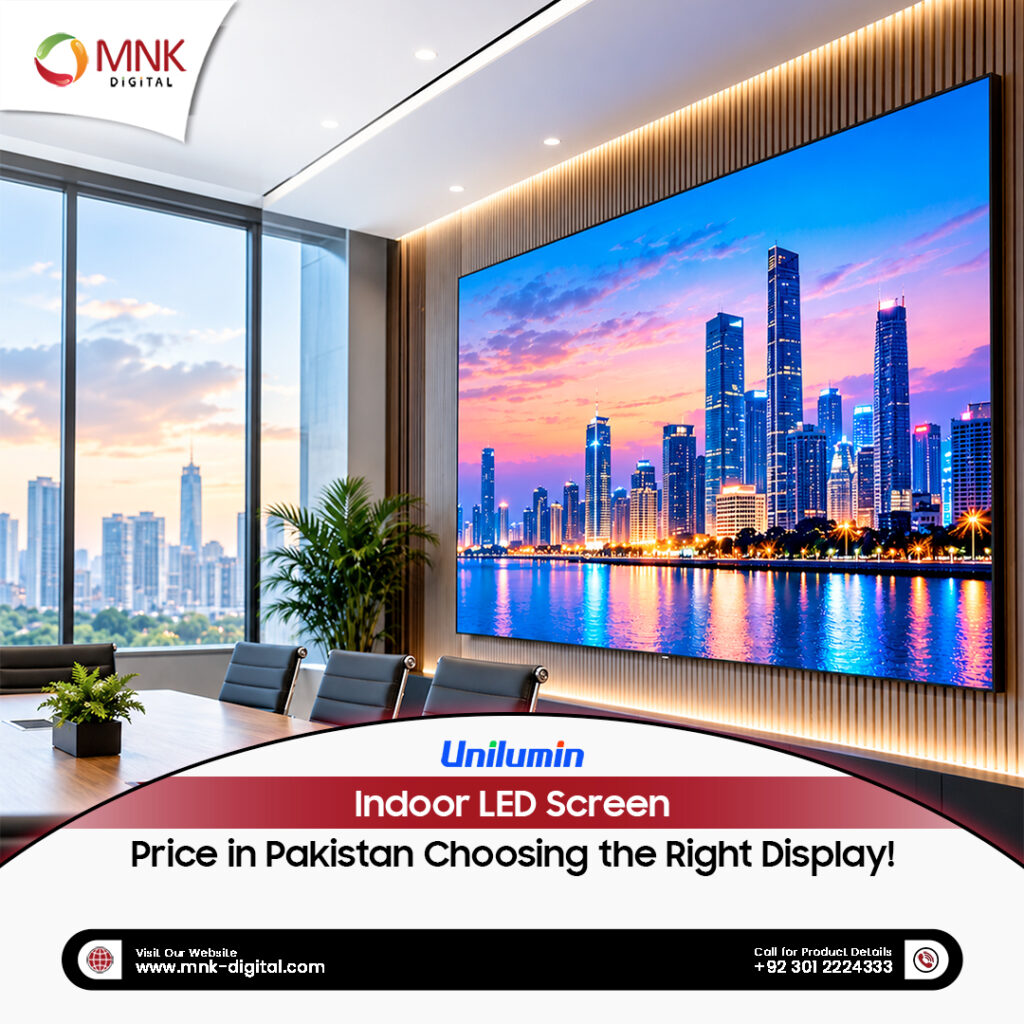
An Indoor SMD Screen can support presentations, video meetings and company announcements. Here, text readability deserves close attention. Test a spreadsheet, a presentation slide and a video call layout before choosing the screen. Check how laptops connect and whether everyday staff can operate the system easily.
Outdoor Advertising
Outdoor SMD Displays can show campaigns on building facades, commercial sites and advertising structures. The purchasing process should include a site assessment covering sunlight, weather exposure, structural support, power and maintenance access. Confirm any applicable installation or advertising permissions before committing to the location.
Hotels, Auditoriums and Event Venues
Large displays can show event schedules, stage visuals, sponsor messages and live video. Decide whether the screen will remain permanently installed or move between events. A fixed installation and a rental display have different handling and mounting requirements.
Monitoring and Control Rooms
A display used for dashboards or camera feeds must show the required information clearly throughout the working day. Ask the supplier to demonstrate the proposed layout with realistic content. Small labels and multiple video windows can reveal limitations that a promotional video will not.
Buying a Unilumin SMD Screen in Pakistan
1. Define the Job Before Asking for Prices
Prepare a short brief that includes:
- Installation location and indoor or outdoor use.
- Approximate screen dimensions.
- Nearest and farthest viewing distances.
- Content types and daily operating hours.
- Available power and intended budget.
This gives suppliers a common basis for their recommendations and makes quotations easier to compare.
2. Check the Actual Resolution
Screen dimensions and resolution are different things. A physically large screen is not necessarily Full HD or 4K. For illustration, a display measuring 4 metres wide by 2 metres high at an exact 2 mm pitch would contain approximately 2,000 × 1,000 pixels. The final dimensions and resolution depend on the selected cabinet layout. Ask for the complete screen’s native resolution in writing. Check whether your content will fit properly or require resizing.
3. Arrange a Site Survey
A site survey should establish how the screen will be supported, powered, connected and serviced. For projects in Pakistan, assess the actual conditions at the location, including heat, dust, rain exposure and, where relevant, coastal conditions. An outdoor rating is useful, but it does not replace checking operating limits and installation details. Ask which protection ratings apply to the front and rear of the proposed screen. Have a qualified professional assess structural support and electrical requirements.
4. Get a Complete Quotation
A low headline price can be misleading if essential equipment and services are excluded. Request an itemised quotation covering the display, controller, mounting structure, cabling, installation, configuration, transport, taxes and training. Clarify whether civil work, electrical work and access equipment are included. Compare the same scope across suppliers. Otherwise, the cheaper quotation may simply cover less work.
5. Understand Running Costs
Ask for both maximum power requirements and an estimate of typical consumption under the proposed operating conditions.
An Example of Monthly Electricity Use
As a simple budgeting example, equipment averaging 2 kW for 10 hours a day would consume about 600 kWh over 30 days. This is an illustration, not a consumption estimate for a specific Unilumin model. Use the supplier’s figures and your applicable electricity tariff to build a realistic operating budget.
6. Verify Warranty and Support
Ask who handles warranty claims locally and what the written warranty covers. Clarify exclusions, labour charges, travel costs and expected response times. Also confirm the availability of replacement modules, power supplies and receiving cards. If a supplier claims authorized status, request current documentation covering the relevant products and territory.
7. Agree on Handover Checks
Before final acceptance, inspect the screen using your own content. Check colour consistency, pixel faults, brightness adjustment, input switching and visible alignment. Request operating instructions, warranty documents and training for the people who will manage the display.
What Determines the Price of a Unilumin SMD Screen?
There is no single meaningful price for a Unilumin SMD screen in Pakistan. Cost depends on the model, pixel pitch, screen area, controller, structure and installation conditions. Imported equipment quotations may also be affected by exchange rates, freight and taxes. Check the quotation’s validity period and delivery terms. A useful price comparison should show exactly what you receive, how the screen will perform and who will support it.
Choosing the Right Display for Your Business
Choose the screen that suits your audience, content and location. Give viewing tests, installation planning and local support the same attention as the product specifications. To discuss your project with MNK Digital, share your proposed dimensions, installation location and viewing distance. Request an SMD Screen Quotation with these details so you can assess a recommendation against your actual needs. We are an Authorized Core Patner of Unilumin in Pakistan.